Mobile games · Purchase acceptance
Mobile Game In-App Purchases: What to Validate Before Launch
A shop button that opens the App Store or Google Play is only the beginning. Before accepting an in-app purchase implementation, require a product catalog, a reliable entitlement rule, restore behavior, failure handling and evidence from each store's test environment.
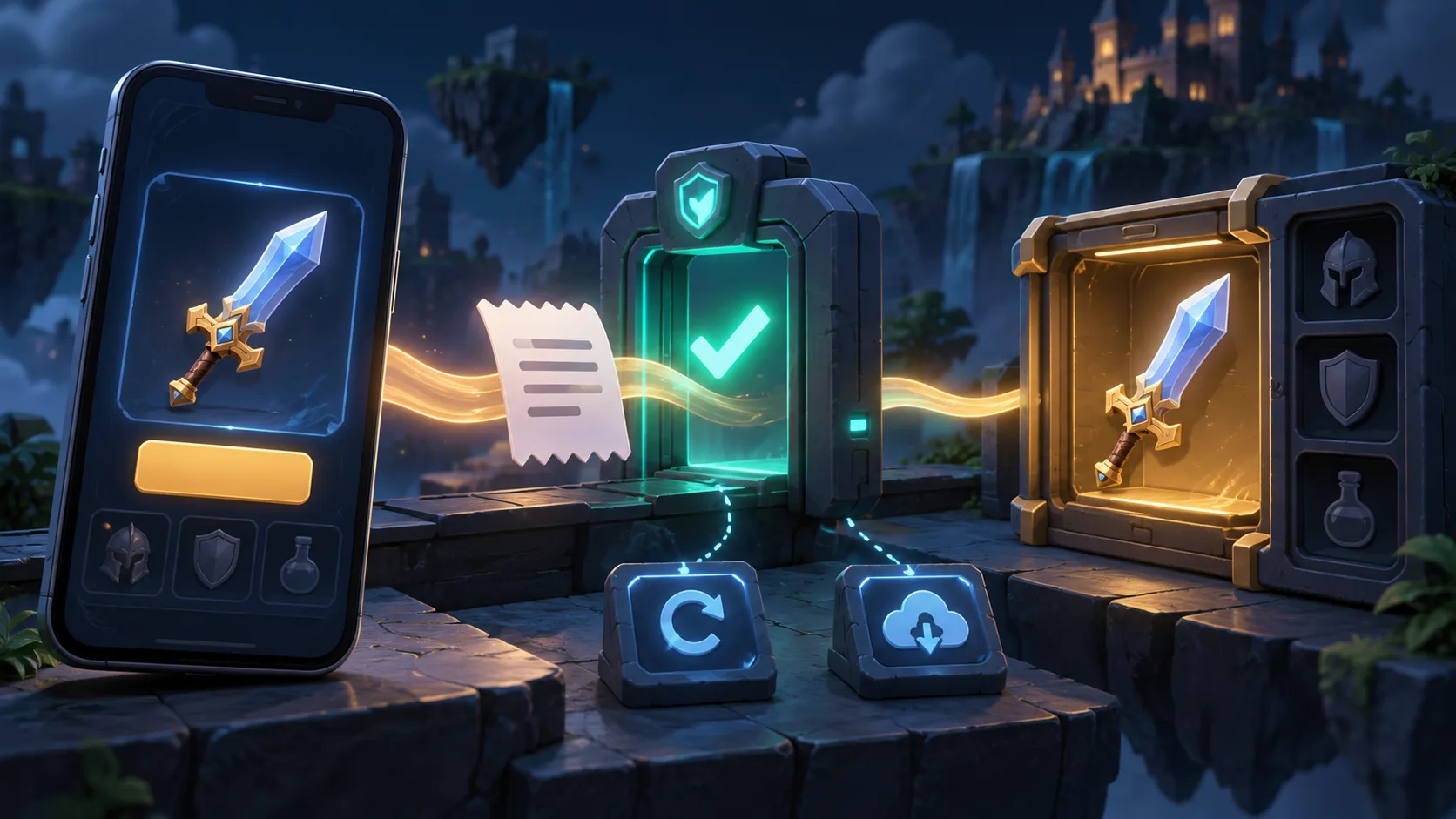
Mobile game in-app purchases connect a store product to something the game must deliver reliably: a consumable item, a permanent unlock or a subscription entitlement. The buyer's question is not merely whether checkout opens. It is whether a paid transaction can be verified, fulfilled once, restored where applicable and corrected when it fails or is refunded. Agree those rules before asking a team to estimate the integration.
This guide is for a game owner commissioning Android or iOS development. It is separate from game economy design, which sets resource values and balance, and from ad integration, which handles optional ad rewards. Our game development services can scope the purchase system as part of a wider game build.
Start with a product catalog that matches both stores
List every item the game intends to sell, with its stable product identifier, type, intended grant, restrictions and ownership. Separate a repeatable currency pack from a permanent character unlock. If a subscription is planned, record the access it gives, renewal and expiry treatment, and what the game should show when access changes. Do not create store products from a spreadsheet alone and assume the game, server and store will remain aligned.
| Product decision | What the owner should specify | Acceptance evidence |
|---|---|---|
| Consumable | Exact quantity and destination; whether the grant is recorded on a server | One verified purchase produces one durable grant; a retry produces no duplicate |
| Non-consumable | Permanent feature or item, account binding and restore behavior | Reinstall and eligible device-change tests recover access |
| Subscription | What access begins and ends, and who tracks status changes | Active, expired and revoked states tested against store information |
The product ID and display metadata belong in the handover. Keep the price shown to players consistent with the store's localized product information rather than hard-coding an assumed currency or tax value. Product availability can change by store, territory and account state, so the game needs an unavailable state instead of a broken buy button.
Define the transaction as a state machine, not a button callback
Write down the path from product fetch to purchase request, pending or deferred state, verified result, fulfillment, store acknowledgement and visible inventory. A cancelled purchase must not grant an item. A payment still pending must not be treated as a success. An interrupted app session should be able to reconcile the store's eventual result when the player returns.
Google's Billing integration guidance describes a typical flow of showing products, launching the purchase, verifying it, granting content and acknowledging delivery. Google explicitly says not to grant entitlement while a purchase is in the PENDING state. Apple documents transaction verification and entitlement delivery through StoreKit. The exact API route depends on the package and versions selected for the project; the acceptance rule should survive those implementation choices.
For Unity projects, record the installed Unity IAP version in the brief. Unity's current purchase lifecycle documentation distinguishes pending, confirmed, deferred and failed orders. The team should show what the game's UI does for each state and how a pending order is resolved after a restart. A success animation is not evidence of a durable grant.
Verify first, then grant exactly once
Decide which component is authoritative for entitlement: an account-backed server, a store-verified local flow or a combination appropriate to the game's risk and offline requirements. For a server-backed game, the backend should verify the store transaction and keep a durable record keyed by a suitable transaction or purchase-token identity. A duplicate callback, network retry or repeated app launch must not double-grant the item. The same rule applies if a store notification arrives before or after the client reconnects.
Do not use an on-screen balance alone as proof. Ask for a trace that connects product ID, tested transaction, verification result, committed entitlement and acknowledgement, with private tokens redacted in any shared evidence. The build should show the resulting inventory after a restart. A failed verification should leave the player in a recoverable state rather than silently claiming the purchase worked.
Google's backend guidance covers verification, acknowledgement and later status changes. Unity warns that unconfirmed pending orders may be delivered again on later fetches; its IAP guidance therefore calls for de-duplication before granting. This is a reliability requirement, not a reason to expose receipts or store credentials in client logs.
Make restore and interrupted purchases visible
A returning player needs a clear way to recover eligible permanent purchases and active subscription access. Specify whether the game restores automatically on launch, offers a Restore Purchases control, or both, according to the store and product type. Consumables are different: a spent consumable is not generally recovered from the store like a non-consumable. If the game promises cross-device consumable balance, its own account and persistence design must support that promise.
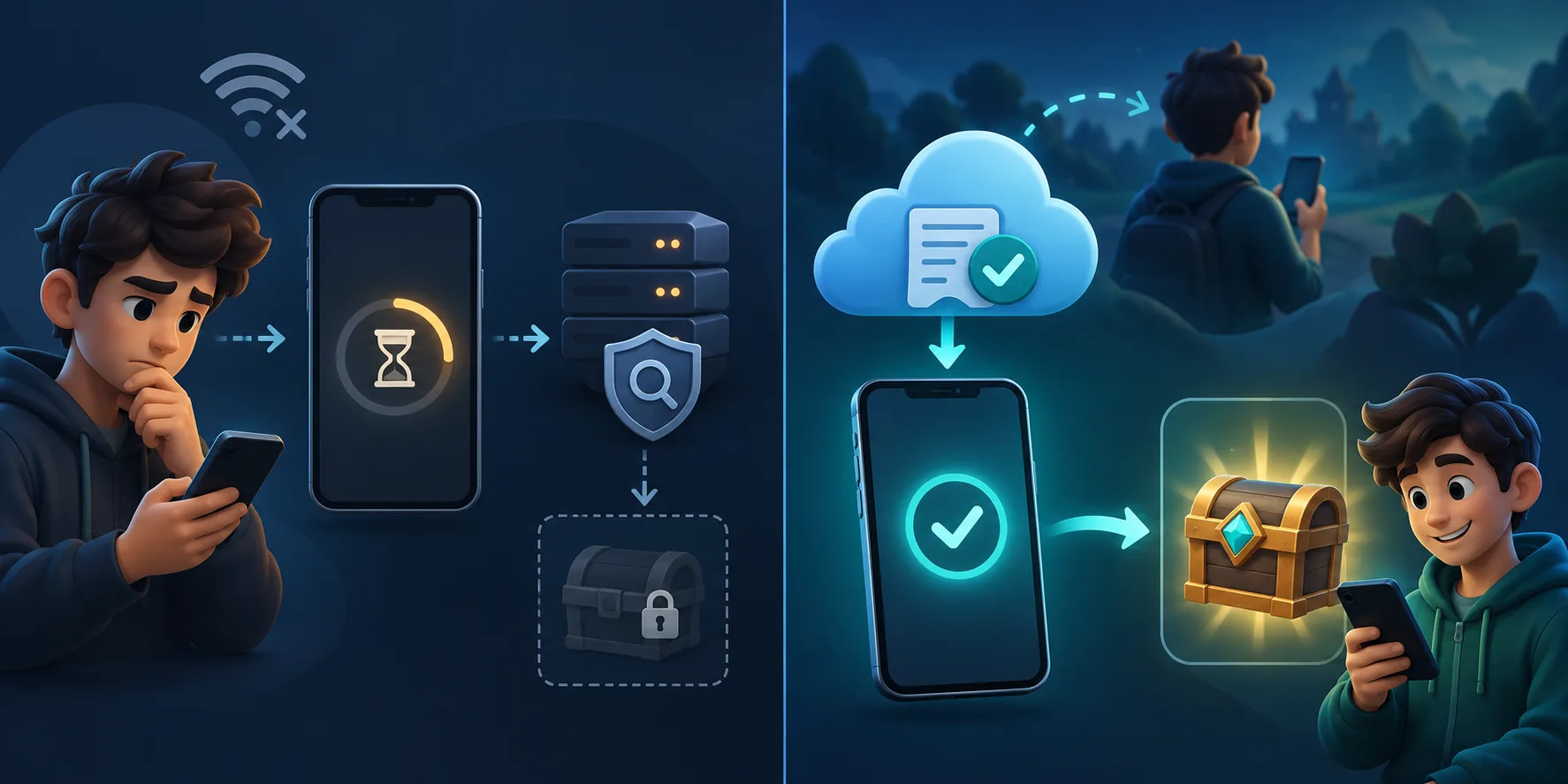
Apple's StoreKit example includes restoring eligible purchases. Unity's restore guidance explains platform differences and warns that an incomplete product fetch is not proof that a player owns nothing. Test a fresh install, signed-out state where relevant, a second device and temporary connectivity loss. The UI should explain when a restore is still running or cannot complete.
Test refunds, revocations and subscription changes
The acceptance matrix should include more than successful purchases. Record what happens after a refund, revoked entitlement, expired subscription or payment failure. A server-backed game must reconcile later store status changes with its account ledger. If the product contains consumable currency already spent, define the product policy and support path explicitly; do not improvise a silent negative balance.
The store, not an analytics event, decides whether a payment was made. Analytics can help diagnose funnel drop-off and mismatched fulfillment, but it must not create or revoke the entitlement. If the team already has an event plan, use the Unity game analytics guide for measurement naming and validation while keeping payment truth in the purchase system.
Ask for a test matrix and handover you can reproduce
Use each store's supported test environment and test accounts. Cover successful purchase, cancellation, pending payment, no network, process termination, repeated callback, restore and entitlement changes. Run the relevant cases on physical target devices as well as development builds. Record platform, OS, app build, catalog/environment, product ID, expected result, actual result and supporting redacted evidence. The wider mobile game testing checklist helps place these cases within full release QA.
| Case | Accept only when | Proof to retain |
|---|---|---|
| Successful first purchase | Verified transaction produces the intended durable entitlement once | Store test result, redacted trace and inventory after restart |
| Cancel or deferred payment | No premature grant; the player can safely return or wait | State capture and later reconciliation result |
| Duplicate callback or reconnect | Same transaction cannot grant twice | Repeated-delivery test and ledger result |
| Restore on fresh install | Eligible permanent ownership returns without a second charge | Second-device or reinstall test with account state |
| Refund or expiry | Access changes according to the agreed product policy | Store test or controlled status-change result |
The handover should contain the store product catalog, approved platform and IAP package versions, ownership of App Store Connect and Play Console accounts, backend verification boundary, environment configuration, test matrix, known limitations and source code. Document how to add a new product without shipping a mismatch and how support staff can investigate a missing grant without seeing payment secrets. Store accounts should remain under the game owner's control unless the contract explicitly says otherwise.
Questions game owners ask before accepting IAP
What should be tested in mobile game in-app purchases?
Test product retrieval, successful and cancelled checkout, pending or deferred payment, verification, one-time fulfillment, acknowledgement, reconnect after interruption, restore, refund or expiry and each store environment. Keep a reproducible result for the tested build and product ID.
How should a game restore non-consumable purchases?
Retrieve eligible ownership from the store through the platform's supported restore or purchase-fetch flow, verify it and reapply the entitlement to the correct player account. Show progress or an error when retrieval is incomplete; never treat a temporary empty response as proof of no ownership.
How do you prevent duplicate entitlements after purchase retries?
Give every verified transaction a stable identity in the entitlement record. Before granting, check whether that identity was already fulfilled, commit the result durably and make repeat callbacks or reconnects return the existing result instead of granting again.
Build a purchase flow players can trust
Scope the integration before launch.
Share your target stores, product types, Unity version, account system and planned entitlement rules. We can define the implementation boundary and test evidence for your game project.
Explore game development services Discuss your project Chat on WhatsApp