Game analytics integration guide
Unity Game Analytics: What to Define Before Integration
Turn business questions into an event contract, validate real builds, separate environments, respect consent, and retain the accounts and data your team needs after handover.

Short answer: define Unity game analytics by the product questions it must answer, then agree the event and parameter schema, development and production environments, identity and session rules, consent behavior, validation evidence, dashboard ownership, raw-data access, and handover. Do not accept the work because the SDK initializes or a dashboard shows traffic. Accept it when named actions from a named build produce the expected valid events, invalid paths are visible, and the buyer controls the project and data.
Analytics integration is easy to underestimate because a package can be installed quickly. The difficult work is deciding what each event means and preserving that meaning across code, dashboards, releases, and teams. If two developers record “level complete” differently, or test traffic enters production, the dashboard may look active while the conclusions are unreliable.
Start with decisions, not a long event list
Write the product questions before naming events. Examples include: where do new players leave the first session, which tutorial step fails most often, how many players reach a level after entering it, which game mode retains players, whether an offer is viewed before it is purchased, and which device or build version is associated with a crash-prone route. Each question needs a numerator, denominator, population, time window, and exclusion rule.
Avoid collecting data “in case it becomes useful.” More events create implementation, validation, privacy, storage, interpretation, and maintenance work. Start with the smallest event set that can support a concrete product decision. Record why an event exists, who will read it, and what action a result could trigger. If nobody can describe the action, the event is not ready for implementation.
Unity’s official Analytics Events documentation distinguishes standard events from custom events and explains how events and parameters describe player actions and context. Use those concepts as platform mechanics, while keeping the game’s measurement plan owned by the product team.
Design an event contract the game and dashboard share
Create one schema table before code starts. For every event, record its exact name, purpose, trigger, required parameters, allowed values, data types, identity requirements, consent dependency, environment, owner, and example payload. Names and enumerations should remain stable enough to compare versions. Free-form values that vary by spelling or case can split one concept into several misleading rows.
| Field | What to specify | Acceptance evidence |
|---|---|---|
| Question | The product decision the event supports. | A dashboard or query definition that uses it. |
| Trigger | The exact game state that records the event. | A reproducible test route in a named build. |
| Parameters | Names, types, required values, and allowed enums. | Valid payload plus deliberate invalid cases. |
| Identity | Anonymous, authenticated, session, and profile boundaries. | Documented behavior across restart and account change. |
| Privacy | Consent state and data that must never be sent. | Collection blocked or enabled on the correct paths. |
| Ownership | Code owner, dashboard owner, and review cadence. | Access list and handover record. |
Unity’s custom-event documentation notes that event and parameter names are case-sensitive and parameter values must match the schema’s defined types. That makes the schema a delivery artifact, not a planning note. Type-safe event wrappers can reduce inconsistent calls, but they do not replace clear product definitions.
Separate development, staging, and production data
Test events should not inflate release metrics or contaminate funnels. Define which Unity Gaming Services environment each build flavor uses and how the environment is selected. Record development and production identifiers outside ad hoc scene logic, and make the active environment visible in build metadata or a protected diagnostic screen.
Unity documents environments as isolated project-level partitions, and its Analytics environment support routes uploaded events to the environment used during SDK initialization. The same documentation warns that buffered events do not remember the environment in which they were recorded; switching environments can upload cached data to the new destination. Include offline, cache, restart, and environment-switch behavior in the test plan.
Agree a promotion workflow for event definitions. A new schema should be proven in development, copied or recreated through a controlled process, verified against the production definition, and enabled before the matching release sends it. Keep a versioned change log so the dashboard team knows when an event’s meaning, parameters, or availability changed.
Define identity and session rules before analysis
Decide what constitutes a player, device, account, installation, profile, and session for the game. State what happens when an anonymous player signs in, changes profile, reinstalls, plays offline, or uses another device. If account merging is unsupported, do not imply that two identities represent one person. If the game is played by children or in regulated regions, include the necessary specialist review.
Session and progression events need stable boundaries. Define when a run starts, pauses, resumes, fails, completes, or is abandoned. Record whether retries create a new attempt and which build, platform, mode, level version, or difficulty identifies the route. Without these rules, a completion rate can change because instrumentation changed rather than because players behaved differently.
Make consent and privacy executable requirements
List the regions, age flows, notices, consent states, opt-out behavior, and deletion path that apply to the project with qualified legal and privacy guidance. Keep personal or sensitive data out of event parameters unless there is a justified, reviewed requirement. The analytics provider does not transfer the product owner’s compliance responsibility.
Unity’s current data privacy documentation makes the developer responsible for implementing appropriate consent and describes starting or stopping collection and requesting deletion. It also states that Analytics and Ads have separate privacy mechanisms. Test consent granted, denied, revoked, offline, reinstall, and deletion-request paths using the SDK and Unity versions actually used by the game.
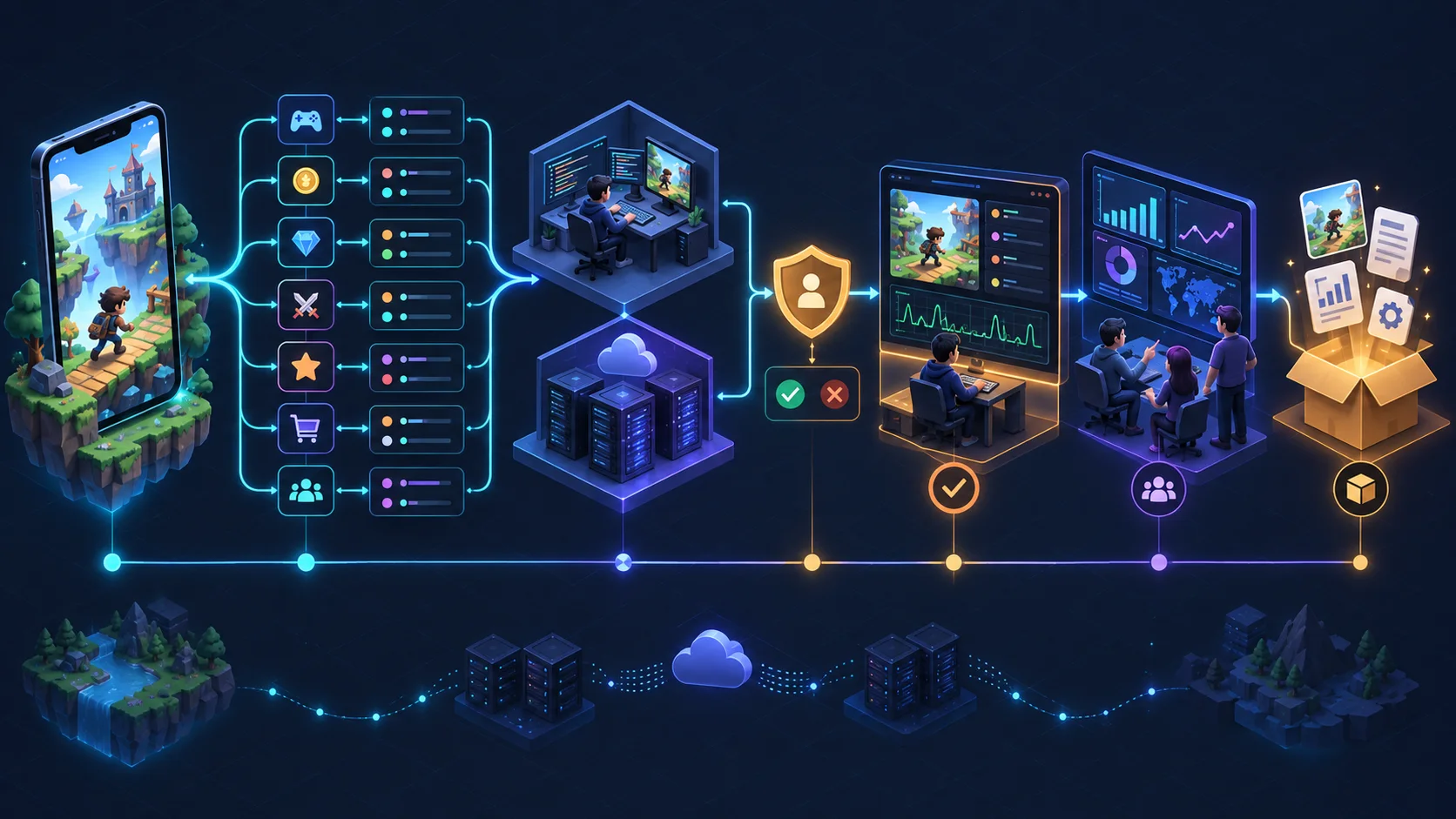
Validate events from a real build, not only the Editor
Create a test matrix that maps each event to a build, environment, test account or anonymous state, device, route, expected payload, expected count, and negative case. Trigger one event deliberately, then verify the event name, parameter names and types, values, timestamp, environment, identity state, and duplication behavior. Record the build revision and evidence so a regression can be compared later.
Unity’s event-recording documentation states that events must conform to a dashboard schema or they are rejected as invalid. The Event Manager exposes standard and custom definitions and valid and invalid event health. Acceptance should include evidence for both successful delivery and a deliberate failure that proves invalid data is visible rather than silently trusted.
Test duplicate protection where retries, scene reloads, network recovery, or repeated callbacks can record the same business action twice. A button press and a completed transaction are not the same event. A level-start event should not fire again merely because the UI was reopened. Use stable action identifiers where the business event needs idempotency, and document how dashboards deduplicate or intentionally count attempts.
Connect events to dashboards with defined owners
Do not end the milestone at ingestion. Build the smallest reports needed for the original questions: first-session funnel, level start-to-complete conversion, failure distribution, feature adoption, or economy flow. Document filters, date rules, excluded builds, environments, segments, and how each metric is calculated. A screenshot without the report definition is not a durable handover.
Assign an owner to the event schema, implementation, data quality review, dashboards, and access administration. Unity’s Analytics roles documentation separates viewing and management permissions, including event, dashboard, and data-access responsibilities. Use the buyer’s organization and least-privilege roles rather than leaving the production project controlled by one vendor account.
Decide whether dashboard access is sufficient or raw-data access is required. If the buyer expects downstream analysis, document the supported export or data-access route, retention boundary, naming dictionary, timezone, and how late or invalid events are handled. Avoid promising unlimited retention or portability that the selected service does not provide.
Use milestone gates that a buyer can verify
| Gate | Deliverable | Acceptance rule |
|---|---|---|
| Measurement plan | Questions, metrics, event map, exclusions, and owners. | Every event supports a named decision. |
| Schema | Events, parameters, types, enums, and versions. | Code and dashboard definitions match. |
| Integration | SDK setup, wrappers, environments, and consent paths. | Correct build routes to the correct environment. |
| Validation | Positive, negative, duplicate, offline, and identity tests. | Expected valid and invalid evidence is reproducible. |
| Reporting | Named dashboards or queries with calculation notes. | The original product questions can be answered. |
| Handover | Accounts, roles, schema, code, reports, test evidence, and runbook. | The buyer can operate and extend the system. |
Separate a defect from a measurement-plan change. An event missing a required parameter is a non-conformance. A new product question that requires another event is a scope change. Keep both visible so the team does not hide expanding analytics work inside bug fixing.
Define the handover before implementation starts
The buyer should receive the Unity organization and project ownership appropriate to the engagement, environment list, access roles, event dictionary, schema versions, implementation code, package versions, configuration instructions, consent logic, test matrix, evidence, dashboards or query definitions, metric glossary, known limitations, and a process for adding or retiring events. Credentials and secrets should remain outside the source repository.
Require another authorized developer to initialize the project, produce a test build, trigger a documented route, locate the event, and explain the dashboard result. This operational test catches hidden access, undocumented setup, and vendor-only knowledge before final acceptance.
Compare analytics implementation offers by evidence
Give shortlisted teams the same product questions and ask how they would design the schema, isolate environments, manage consent, validate events, prevent duplicates, build reports, assign ownership, and hand over the system. Compare the decisions and evidence they propose, not the number of event names in a quote.
If analytics is only one part of a larger production decision, the casual game development guide explains how measurement fits beside the core loop, first session, content pipeline, performance, and source handover. Use the game development brief to collect the wider product inputs before requesting an estimate.
Plan analytics around decisions your game team can verify
Send the game loop, target platforms, current Unity version, product questions, identity model, privacy constraints, existing services, and the release milestone. We can scope the Unity implementation, validation routes, account ownership, dashboard evidence, and handover as part of the game project.
Explore our game development service — discuss the technical scope — send the scope on WhatsApp
Unity game analytics questions
What should be tracked in Unity game analytics?
Track only events that answer named product questions. A useful first plan often covers the first-session path, tutorial steps, level or run starts and outcomes, progression, feature adoption, important failures, and transactions where relevant. Define the trigger, required parameters, identity, consent dependency, environment, owner, and the decision each event supports.
How do you test analytics events before release?
Use a non-production environment and a named build. Trigger each event through a reproducible route, verify its schema, parameter types and values, timestamp, identity, environment, count, duplicate behavior, offline recovery, and consent path. Include deliberate invalid payloads and retain the build revision and Event Manager evidence.
Who should own the Unity Analytics project and data?
The client should retain the organization and production-project ownership, billing and final access control. The implementation team can receive the least privileges needed for events, dashboards, or data access. Handover should document roles, environments, schema, reports, export paths, retention limits, and the process for revoking access.