Unity production · Visual effects
Game VFX: Commission Effects That Start, Stop and Reset Correctly
A convincing burst is only the beginning. Specify where an effect belongs, what keeps it active and what must disappear before the same source is used again.
Game VFX work should deliver approved visual assets and their behavior inside a playable build. For a buyer, that means a clear effect list, attachment rules, start and stop conditions, interruption handling and a review route. A showcase can demonstrate appearance; it cannot establish that a muzzle flash follows a moving barrel or that old smoke stays cleared after a restart.
Define this as a bounded part of your Unity game development scope. Creating textures and particle assets, integrating an existing library and commissioning a custom visual style are different responsibilities. Agree which are included, which assets are licensed and which game systems supply the events before comparing quotations.
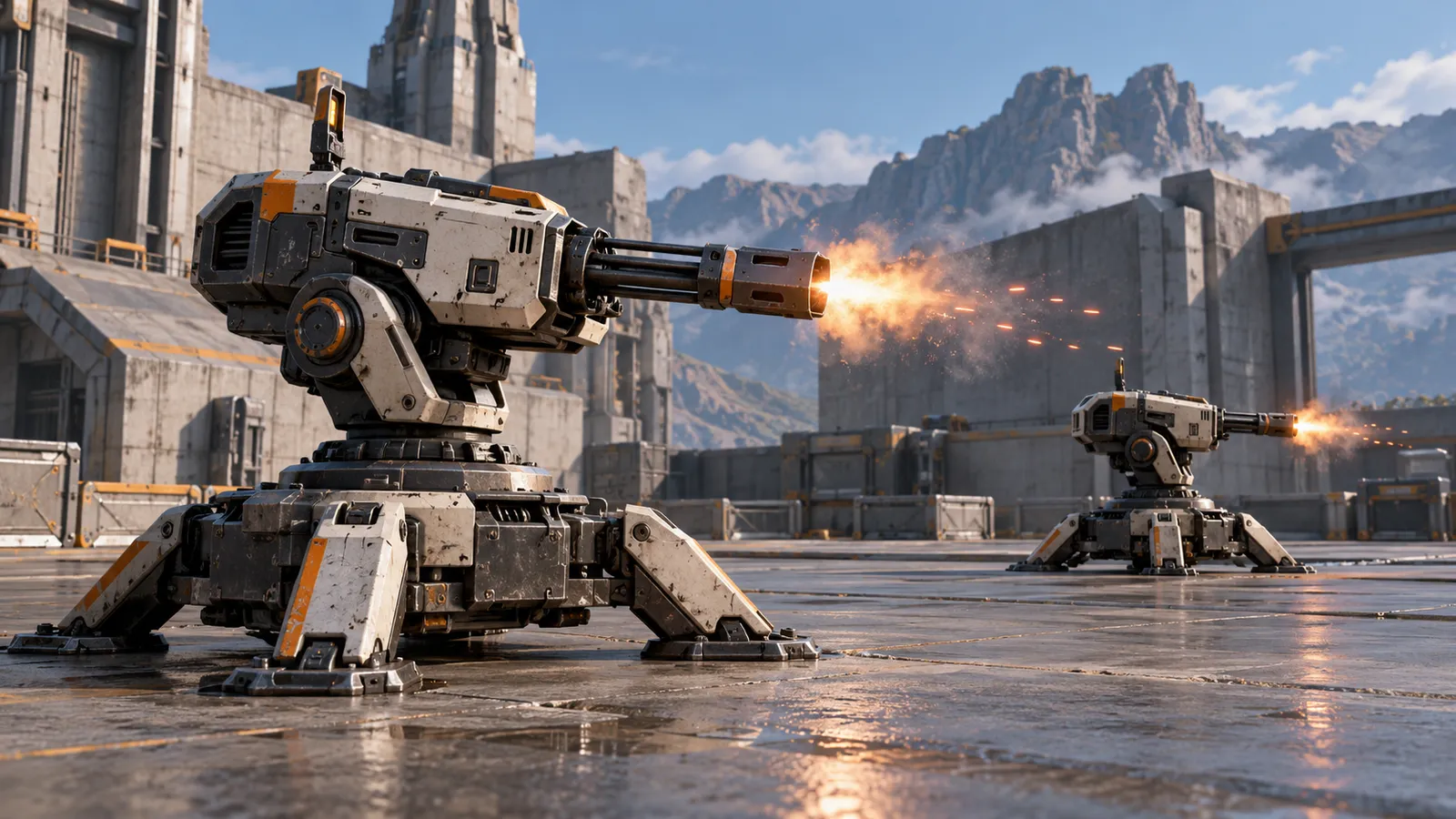
Separate the accepted game event from its visual response
Start with the information the player needs. A weapon firing, a projectile touching a surface, an accepted hit and a rejected hit are different events. Their effects may look related, but the implementation must preserve those meanings. An attractive impact should not become a second source of damage, and a harmless collision should not display a confirmed-hit response by accident.
The combat design guide owns attack permission and hit resolution. The VFX package owns how the accepted event is presented: its source, direction, duration, variation and ending. Give the effect a stable identifier and name the system that triggers it. Record what happens when the asset is unavailable rather than silently substituting an unrelated burst.
Specify the emitter and the space the effect uses
“Attach it to the weapon” leaves important questions unanswered. Identify the transform that supplies position and aim, the local offset, the intended scale and whether the visible particles should continue following the owner after emission. A muzzle pulse, drifting smoke and a ground mark need not share the same rule.
Unity exposes particle simulation in local, world or custom space through its simulation-space setting. This is a choice about the particle's frame of reference. In a review, move and rotate the source after emission and compare the result with the agreed behavior. A parent relationship alone does not describe the intended trail.
Ask the team to show aiming, recoil and movement together. An effect can line up in a still preview and drift when another script updates the barrel later in the frame. State the visible acceptance condition first; the implementation team can select the update ordering and attachment method appropriate to the project.
Give every continuous effect an owner and an ending
A short burst can finish while a looping engine plume continues until its owner changes state. Define what starts each instance, whether repeated events restart or overlap it, and what ends its ownership. Relevant transitions include disabling the source, replacing equipment, changing scenes, retrying the encounter and returning an object to a reusable pool.
Stopping emission and removing particles already on screen are separate decisions. Unity's ParticleSystem.Stop reference distinguishes stop behaviors. A smoke trail may need a natural fade; a stale effect on a reused object may need immediate clearing. Choose the visible result per transition rather than clearing everything indiscriminately or leaving every effect to expire.
Include dependent parts such as lights, trails or child particle systems in the agreed package. Cleaning the main emitter while a child glow remains active is incomplete cleanup. Where sound accompanies the effect, use the separate audio implementation contract for playback ownership and controls; a working particle system does not prove its sound route is correct.
Use a small acceptance fixture before ordering variations
Consider a hypothetical turret burst and an engine-smoke loop in one review scene. The turret moves and turns; the engine can become inactive. The same reusable slot can later belong to a different source. This exposes attachment and ownership mistakes before the team produces a large catalogue of effects. The cases below are proposed checks, not reported test results.
| Case | Expected result to agree | Evidence to record |
|---|---|---|
| Turn and fire | The short pulse begins at the current muzzle and points along the agreed firing direction. | Build, camera, source and a recording including movement and recoil. |
| Stop the engine | No new smoke is emitted; existing smoke fades or clears according to the specified transition. | The chosen stop rule and an observation from active to inactive state. |
| Reuse an effect slot | The next owner receives the new position and configuration without the previous owner's particles. | Both source identities and a continuous recording across reassignment. |
| Retry the scene | The starting state contains no stale plume, light or delayed burst from the previous attempt. | Retry steps, starting state and any unresolved exception. |
Record the expected result before running the route. If an observation fails, distinguish an attachment error from a changed artistic preference. Retest the affected transition after a revision and keep the build identity with the finding. A ticked checklist without observations is a plan, not evidence of acceptance.
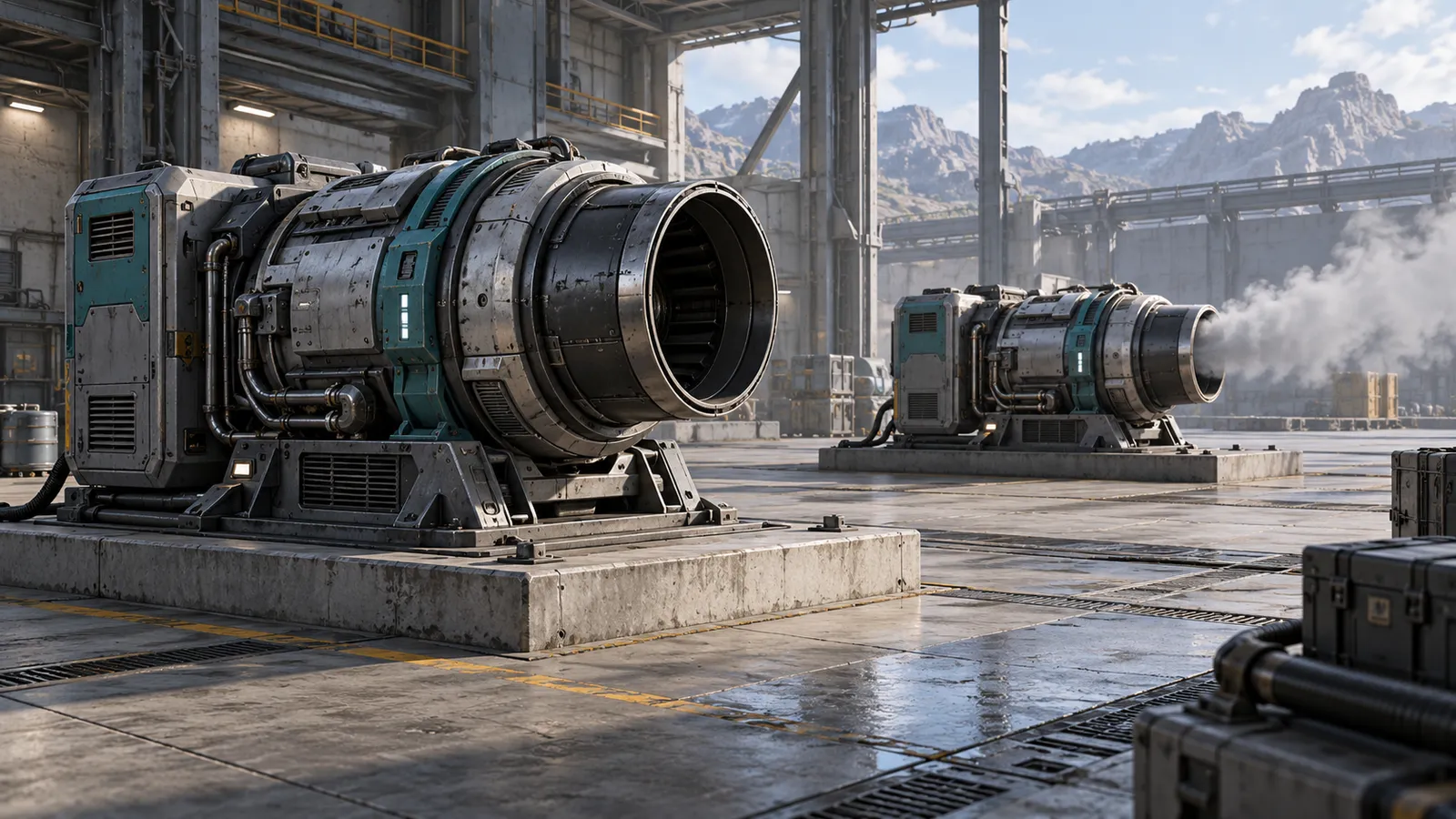
Review readability in the actual game camera
Judge size, contrast and timing at the supported camera distance. A dramatic close-up may become an unreadable flash on a phone. Test a representative bright and dark background, overlapping effects and the interface that remains on screen. The player should still identify the source and the information the effect communicates.
Agree which effects may be reduced at lower quality settings and which cues must remain legible. Set concurrency assumptions for the review scene instead of promising unlimited simultaneous effects. If the scene becomes slow, the Unity performance iteration guide covers diagnosis and measured tradeoffs. Asset count or reusable slots alone do not prove a frame-rate improvement.
Connect the work package to source and build delivery
Our ROADFORGE case study documents muzzle feedback following translation, aim and recoil, alongside reusable slots and shared materials. It illustrates a connected runtime approach. It does not establish a universal effect budget or imply that a separate customer's VFX package has passed the review cases above.
Receive the approved assets, prefabs, materials, texture sources where included, event mapping, editable parameters, Unity version and render-pipeline assumptions. Document third-party licenses and redistribution limits. The handover should explain how another team adds a variation, changes the emitter and reproduces the accepted review route without depending on an undocumented scene setup.
Finish the milestone with a named build, observations, agreed visual differences and remaining issues. This makes the next quotation more precise: more artwork, another behavior type or integration into another system can be scoped separately. Acceptance of one effect package does not mean the complete game is release-ready.
Game VFX questions
What should a game VFX work package deliver?
It should deliver the agreed visual assets and their runtime behavior: event mapping, emitter and simulation-space rules, start and stop conditions, interruption and reuse handling, editable configuration and a reviewable build. Asset sources, licenses, platform assumptions and remaining limitations should be included in the handover.
How do you accept game VFX beyond a showcase video?
Review a named playable build with the actual camera. Move and rotate the source, repeat the trigger, stop or remove the owner, reuse the instance and restart the scene. Compare each observation with the agreed visual result, then record readability, device coverage and unresolved issues before expanding the effect set.
Commission effects that belong to your game
Send your current Unity project or game brief, target platforms, camera, available artwork and the effects you need. We can discuss a focused implementation package with explicit attachment rules, review checkpoints and organized source delivery.
Explore game development services · Discuss your project · Send the brief on WhatsApp