3D vehicle production · Commissioning decisions
3D Vehicle Modeling: What to Approve Before the First Drive
Agree the visual geometry, receiving setup and movement envelope before accepting a detailed vehicle asset.
A useful 3D vehicle modeling commission starts with the game camera, the vehicle's dimensions and the way its visible wheels will follow the driving system. Agree what must look correct while turning, braking and crossing uneven ground before approving the detailed asset. A convincing parked render cannot establish that the vehicle will still look convincing in motion.
This guide is for a producer commissioning a vehicle for a Unity game, rather than buying an automotive engineering model. Our 3D modeling and animation service covers agreed vehicle assets, mechanical rigs and engine exports. Driving controls, physics tuning and integration need their own explicit scope; the word “game-ready” does not settle those responsibilities.
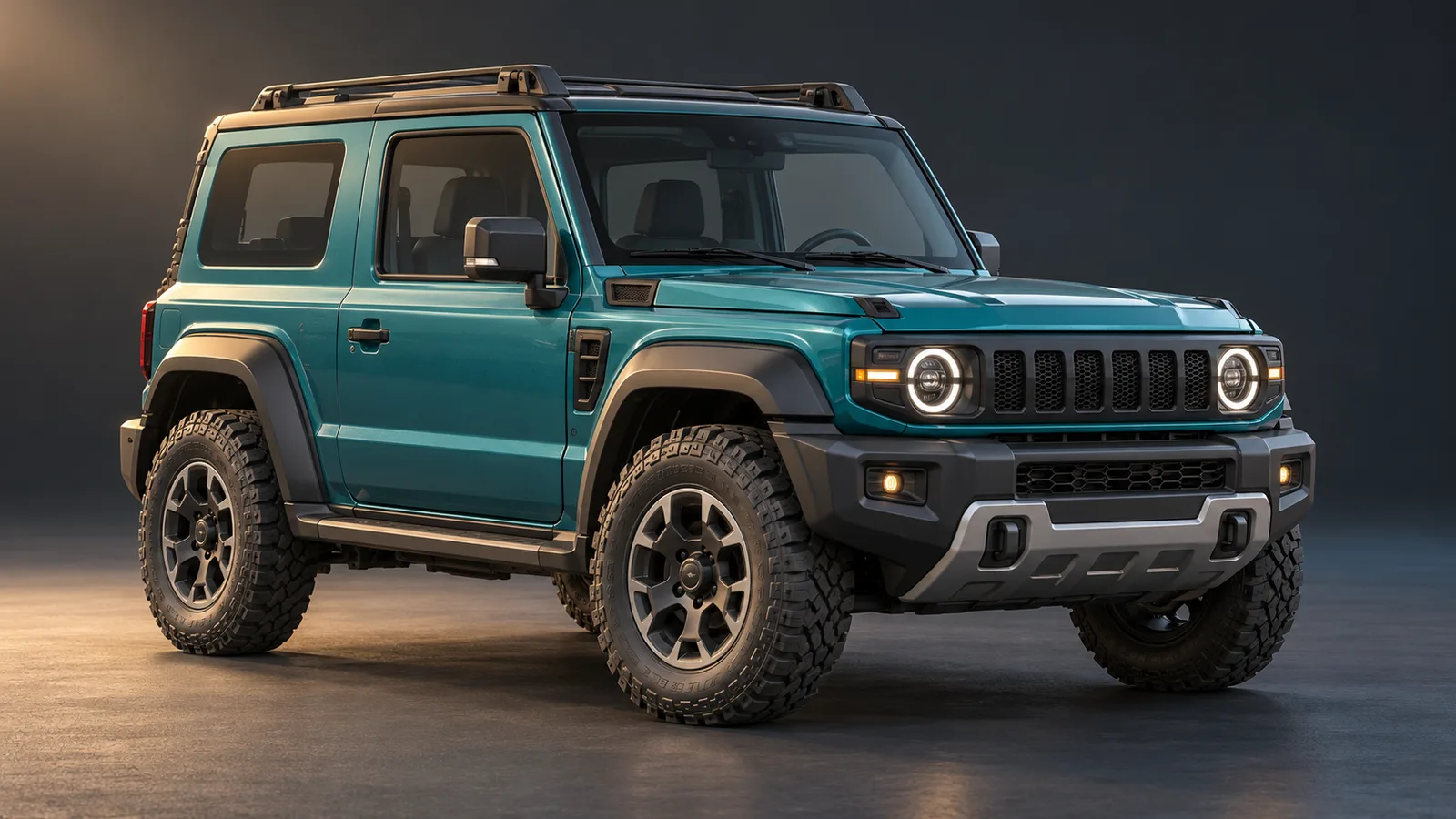
Choose the views that will expose the model
Tell the artist whether the vehicle is a distant opponent, the player's main vehicle or an object in a rotating garage preview. A chase camera emphasizes the rear silhouette and the wheel-to-ground relationship. A close showroom view can expose undersides, wheel interiors and surfaces that a gameplay camera rarely sees. An interior driving view creates a substantially different production request.
Give the team representative camera positions and target screen sizes. Identify which panels, glass surfaces and interior areas are actually visible. Agree the expected steering and suspension range early enough to influence the shape of the wheel arches. Adding a detailed cabin after approving an exterior-only asset is a change of scope, not evidence that the first model was incomplete.
Keep the first commission bounded. One original utility vehicle with a defined camera and movement range is easier to review than a loosely specified fleet. The wider supplier, sample and batch process belongs in our asset outsourcing guide, in Arabic; the decision here is whether the vehicle's geometry fits the intended driving presentation.
Put wheel dimensions in the handover card
Record the model's overall dimensions, forward direction, root location and wheel identities. For each wheel, record the intended center and visible radius in the receiving project's units. The front-left wheel should remain identifiable after import, without relying on the order in which objects happen to appear in a folder.
The important agreement is between the supplied geometry and the implementation that receives it. A larger replacement tire can alter the visible contact point or require an integration change. It should not silently replace a previously approved tire while the receiving setup still assumes the old dimensions.
Unity's WheelCollider tutorial separates wheel meshes from the components used to simulate wheel behavior and explains matching the collider placement and radius to the model. That is one implementation approach, not a requirement for every arcade controller or tracked vehicle. Agree the actual receiving setup rather than copying another car's values.
For a tracked vehicle, the relevant presentation may instead involve track movement, road wheels and the supported terrain response. Do not sell a four-wheel acceptance example as proof that the same setup supports tanks, motorcycles or every suspension arrangement.
Separate the visual pose from the handling decision
Name the owner of the body pose, wheel steering, wheel rotation and vertical wheel movement. A model can include separate parts and a mechanical rig without including the code that drives them. Equally, a controller can move the vehicle correctly while its visible wheels remain misaligned.
Where WheelColliders are used, Unity provides GetWorldPose to obtain a wheel's world position and rotation, including its steering, rotation and suspension behavior. The integration still has to apply the result to the intended visual object. An extra visual orientation offset may also need agreement with the supplied asset.
For the buyer, the practical distinction is between an art defect and a handling request. A tire rotating around the wrong visible center may require a model or integration correction. A request for a tighter turning circle changes the driving behavior and may also expose new clearance requirements. Record the observation before deciding which team must change its work.
Our interactive prop modeling guide covers general moving parts, sockets and object states. A driveable vehicle adds a continuous relationship between body, wheels, ground and camera. Review that relationship while the vehicle moves; checking one parked hierarchy is insufficient.
Review steering and suspension together
Start with a neutral pose on flat ground, then review left and right steering across the agreed range. Watch the inside of the tire and the nearby bodywork. A wheel can fit neatly when straight and intersect an arch or chassis member when turned.
Next, review the supported vertical travel with the wheel turned, rather than treating steering and suspension as two unrelated demonstrations. Use the receiving team's agreed method to reproduce the poses. A posed art scene can help approve clearance, but it does not prove the driving controller behaves correctly on terrain.
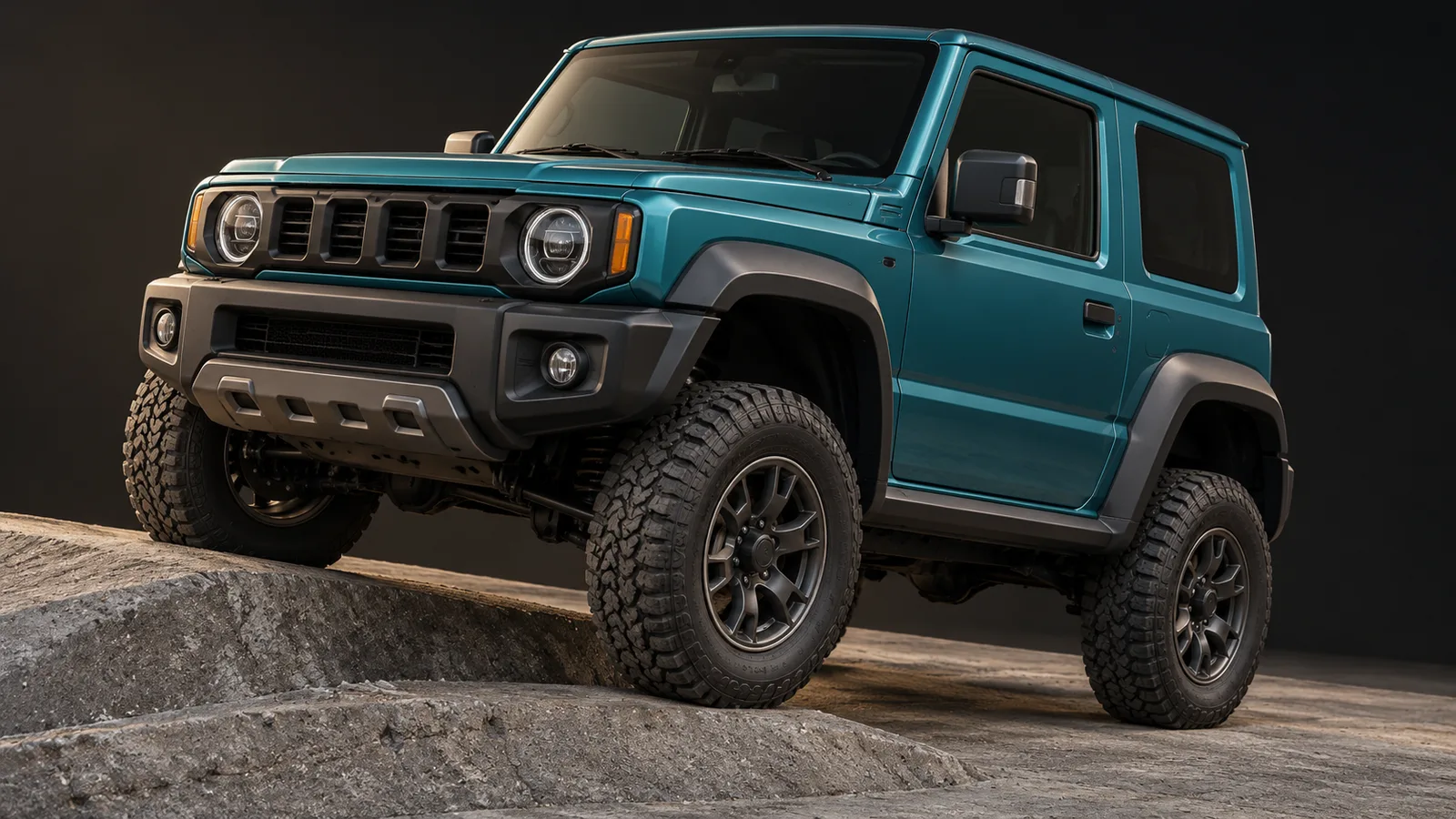
Inspect these conditions from the gameplay camera and the closest supported preview camera. A tiny issue visible only from an inaccessible angle may have a different priority from an obvious tire floating above the road during ordinary play. Define the acceptable presentation for the actual product, not an unlimited list of imagined viewpoints.
Use one repeatable vehicle review sheet
The following is a proposed review for a hypothetical four-wheel utility vehicle. It is not a report of a completed customer project or tests already passed. Keep the model revision, receiving build, camera and expected result together; leave observations pending until someone performs the review.
| Review step | Expected visual result to agree | Evidence to record |
|---|---|---|
| Neutral pose on flat ground | Tire contact and body stance match the approved reference. | Side and chase-camera views with model revision. |
| Left and right steering | Wheels face the intended direction without entering the body within the agreed range. | Steering input, supported angle and close view. |
| Turn with vertical wheel travel | Tire and arch retain the agreed clearance at supported combined poses. | Receiving setup and repeatable pose or terrain section. |
| Low-speed forward and reverse motion | Visible wheel rotation follows the intended movement arrangement. | Build identity and short uninterrupted sequence. |
| Cross the agreed uneven section | Visible wheel and body motion remain coherent with the chosen implementation. | Same terrain, camera and driving input. |
| Stop and return to neutral | The expected stance returns without a leftover visual offset. | Observation and issue reference, if any. |
Use the sheet to assign the next action, not to generate an automatic pass. Record whether the problem appears in the exported model, its receiving configuration or the driving behavior. If the expected result was never agreed, obtain that decision before asking either team to redo the asset.
Receive editable art and a clear integration boundary
Agree the source scene, exported geometry, textures, materials and mechanical setup. Include wheel measurements, naming conventions, camera references and known exclusions. If a receiving Unity scene or prefab is included, identify the engine version, render pipeline and dependencies needed to reproduce the review.
Keep visual approval separate from performance approval. The correct detail budget depends on the camera, vehicle count, materials and target hardware. Use our Unity optimization guide when commissioning a measured performance iteration; a universal polygon count cannot replace that evidence.
Our ROADFORGE case study shows our own Unity mobile vehicle-combat production and rotating workshop views. It provides first-party integration context. The utility vehicle and review sheet in this guide are separate examples, not claims about a customer delivery or a realistic automotive simulator.
3D vehicle modeling questions
What should a 3D vehicle modeling brief include for a driving game?
Specify the camera views, overall dimensions, wheel identities and measurements, supported steering and suspension range, visible interiors and required source files. Name the receiving controller and who supplies the visual integration. Agree repeatable ground-contact and clearance reviews before approving the detailed asset.
Does a vehicle model include its driving physics?
Only when the agreed scope includes that implementation. Geometry, materials, a mechanical rig, a configured prefab and driving behavior are different deliverables. Identify the owner of steering, wheel pose, body movement and acceptance evidence before comparing quotes.
Commission a vehicle that fits your game
Send the vehicle references, target platform, gameplay and preview cameras, receiving Unity setup and required movement range. Tell us whether you need art files, engine integration or a broader playable vehicle package. We can define a representative first asset and the evidence needed to review it before expanding production.
Explore 3D production services · Request a vehicle scope · Discuss the vehicle on WhatsApp