Existing Unity projects · Version decisions
Unity Upgrade: Should You Move an Existing Game to a New Version?
Understand the reason, dependency risks and review scope before changing the engine version behind your game.
A Unity upgrade should solve a named project need, with the original project kept recoverable and the changed game checked on its intended platforms. Before hiring a team, agree why the version must change, which dependencies could block it and what evidence will show that the game still works. Opening the project successfully is a starting point, not the finished outcome.
This guide concerns changing the Unity Editor version used by an existing game. It is different from buying a different Unity subscription, adding a new feature or moving a game to another platform. Those decisions can interact, but they should not disappear inside one vague request to “update everything.”
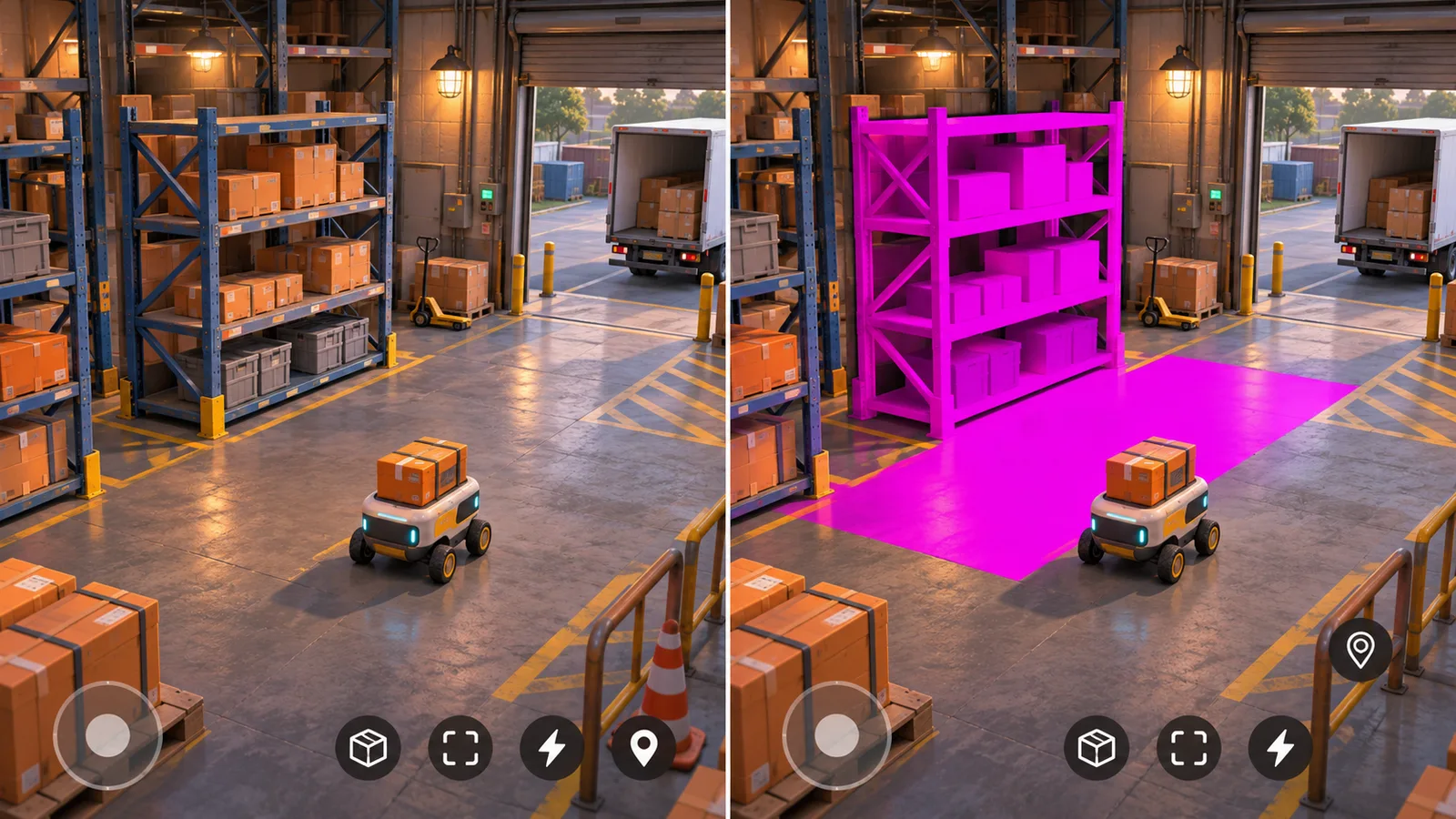
The same imagined warehouse scene has different surface and interface results in these two views. Compare the game itself after a version change, alongside the build and compatibility checks.
Start with the reason for changing versions
Ask what the current version prevents your project from doing. Perhaps a required package no longer supports it, a relevant engine fix is available elsewhere, or a planned platform build needs a different toolchain. The technical team should connect the proposed version to that specific need.
A newer version alone is not a business case. If the existing game is stable and no required change has been identified, deferring a migration may be reasonable. Record what would trigger another review instead of making an open-ended promise to remain on the old version forever.
If the complaint is simply that the game runs slowly, start with a diagnosis. The Unity optimization guide explains how to identify the work causing the slowdown. Changing the engine version and optimizing the game at the same time can make it difficult to understand which change produced a result.
Choose a target that fits the project
Ask for an exact proposed Editor version and the reason for choosing it. “The latest Unity” does not explain package support, platform requirements or which changes the team expects to encounter.
Unity's upgrade guidance says to review the intervening guides in release order. Its project-upgrade recommendations also describe compatibility checks, backups and testing. Have the team translate the relevant changes into consequences for your particular game; a link to the manual is not a project assessment.
Keep an Editor change separate from an optional rendering overhaul or feature expansion. If the team proposes replacing a rendering approach, redesigning the interface or changing gameplay during the migration, ask which part is necessary and which part is a new product choice.
Find the dependency that could change the estimate
An estimate needs more than the source code folder. Supply the current Editor version, a reference build, package and plugin information, target platforms and instructions for building the game. Include the status of source access and third-party licenses without sending personal account passwords.
A useful assessment identifies the most consequential unknowns first. An unsupported native plugin may matter more than a collection of small script warnings. A custom material can require a different kind of review from a store integration. The team should name the component and the evidence still needed, rather than label the whole project “legacy.”
| Finding | What the owner should clarify | Possible next decision |
|---|---|---|
| The existing project cannot be rebuilt | Is the problem already present, and are files or build instructions missing? | Restore a usable reference before estimating migration work. |
| A plugin lacks confirmed target-version support | Is a compatible update available, or would replacement change behavior? | Investigate that dependency before committing to the wider move. |
| A scene looks different after opening | Is this an expected version-related change or a broken project setting? | Review the difference before expanding the conversion. |
| A platform build works but a connected feature fails | Which integration, device and action expose the failure? | Scope the repair and its platform checks explicitly. |
These are planning examples, not a list of faults that every Unity upgrade will produce. The actual project determines which risks belong in the quote.
A delivery-game example: investigate before expanding
Imagine a mobile delivery game with a warehouse scene, saved vehicle upgrades and an advertising plugin. The owner wants a feature available in a newer Editor version. This is a hypothetical project for illustrating the decision.
The first investigation keeps the current project intact and opens a separate candidate. It finds that the main scene runs, but the advertising plugin has no confirmed compatible release. A material also looks different. Neither finding should be hidden behind “the project opens.”
The owner now has three useful choices. Defer the engine change if the desired feature can wait. Continue once compatibility is established. Or commission a separately described plugin replacement, including any resulting behavior changes. Comparing those alternatives is more useful than approving an unlimited repair budget after conversion has begun.
The material issue needs its own review: what changed, whether the original appearance can be preserved and whether an alternative is acceptable. An approved visual difference should not silently redefine the game's art direction.
Review the game paths that the move can affect
Unity's Unity 6.0 upgrade guide lists version-specific changes involving rendering, Android tooling and other systems. This is why a generic promise of compatibility is less useful than a project-specific review. Use the guide that matches the actual starting and target versions; this article does not prescribe Unity 6.0 for every project.
Ask for checks that reflect what the player does: opening the game, using menus, entering a representative scene, controlling a character or vehicle, returning to the menu and reopening progress. Include the integrations your game actually uses. A fresh installation cannot answer every question about an installed update.
Keep responsibility clear. The save-system guide covers earlier progress and supported data formats. The mobile porting guide, in Arabic concerns changing the target platform. Link those scopes when relevant without assuming that either is automatically included in an Editor upgrade.
Keep a project recovery path and a release decision
Preserve the original project, its build instructions and a known working build. Ask which source revision represents the migration candidate and which dependencies changed. This gives the team a meaningful comparison and avoids replacing the only usable copy with an experiment.
Project recovery and player-facing release recovery are different decisions. Restoring an old source branch does not, by itself, establish that an earlier application build can safely read data written by a new one. Agree what remains recoverable before authorizing distribution.
A useful completion report states what was checked, on which platforms, what changed intentionally and which issues remain. The owner can then approve a release, request a bounded correction or stop the migration with an explanation. A successful assessment can end with a justified decision to defer.
What should the work package include?
Compare quotes by their boundaries: the assessment, required compatibility work, platform builds, review scope, source delivery and known exclusions. Ask how a dependency replacement would be estimated if it becomes necessary. There is no reliable universal price or duration without examining the project.
Request the agreed source changes, exact Editor and package requirements, build instructions, review results and unresolved limitations. Our source-handover guide, in Arabic covers the broader delivery discussion. Keep new features and ongoing maintenance visible as separate commitments.
Unity upgrade questions
Do I need to upgrade Unity for every game update?
Not automatically. First identify whether the planned change requires a different Editor version, package or platform toolchain. If it does not, an engine migration may be a separate decision. Ask the team to explain the dependency rather than assume every content update needs a version change.
Does a successful import mean the upgrade is finished?
No. The project still needs the agreed platform builds and gameplay, visual and integration checks. Record what was actually tested and any remaining differences. A scene opening in the Editor does not show that every supported player route works.
Can we go back if the migration is unsuitable?
Keep a recoverable original project and a separate candidate before starting. Returning to that project is different from rolling back a distributed application after it has changed player data. Agree both boundaries with the team before release.
Discuss an existing Unity project
Send the current Editor version, source availability, target platforms, working build and reason you are considering a change. We can review how the work fits an existing-project Unity engagement and identify the investigation needed before implementation is estimated.
Explore our Unity game development services, discuss your existing project, or send the project outline on WhatsApp.