Gameplay footage · Capture and edit decisions
Game Trailer Production: Agree the Footage, Claims and Final Deliverables
Agree what the edit shows, which claims it supports and which files the production team will deliver.
Game trailer production should begin with the game you can actually show, the audience you need to reach and the decision each shot should help a viewer make. Before commissioning an edit, agree the capture build, supported features, footage sources, presentation approach and delivery destinations. A compelling sequence is easier to review when everyone knows what it represents.
If you already have a Unity game, ask for a bounded capture-and-edit scope rather than an undefined promise to “make it cinematic.” Identify who supplies the playable build, who records footage, who approves the product claims and who receives the editable project. Our game development service can discuss that work within the production needs of your game; an estimate depends on access to the build and the materials available.
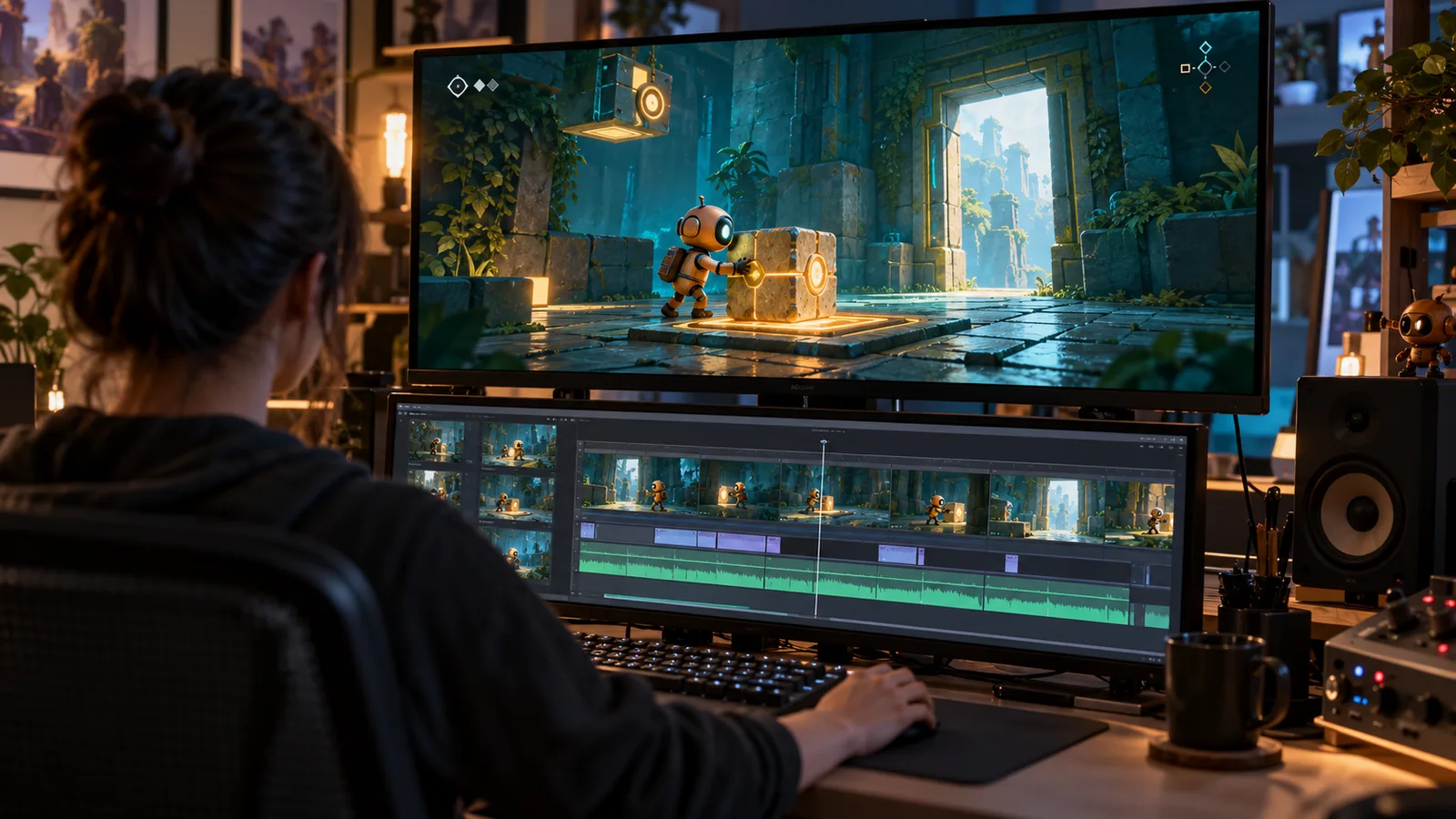
Choose what the trailer must communicate
A reveal, a gameplay explanation and a short social cut do different jobs. A reveal may establish an atmosphere or announce a title. A gameplay-led trailer needs to make the player’s actions and their consequences understandable. A cut intended for a small, muted screen has different presentation constraints from a longer desktop viewing session.
Write one plain sentence describing the intended takeaway. For a hypothetical puzzle game, it might be: “The player moves objects to change the room and open a route.” That is more useful than asking for an exciting video without identifying what makes the game distinct. It also gives the editor a reason to retain the result of an action instead of cutting away at the most dramatic frame.
Name the destination before selecting a master format. Specify the intended placement, language, approximate duration to discuss, aspect ratio and whether the edit must work without sound. These are brief decisions, not universal requirements for every store or campaign. Do not assume a landscape edit automatically becomes a useful portrait version.
Separate footage capture from the edit
An editor can organize supplied footage, but missing footage still needs an owner. Decide whether the commission includes recording the game, editing clips provided by your team, or both. If capture is included, supply install instructions, a usable game state and the controls needed to reach each scene. Record the build identifier so a later revision can be compared with what was filmed.
Make capture preparation explicit. A developer may need to unlock a level, provide a repeatable starting state or resolve a visible defect before recording. Those tasks are different from trimming a clip. Agree what is included before a missing feature becomes an unexpected request to build new gameplay for the trailer.
The recording environment matters too. Identify the platform, resolution, display settings, interface state and any temporary content. If a capture-only camera or controlled sequence is used, discuss how the resulting shot will be presented. A cinematic camera can show the world attractively, but it should not silently stand in for the perspective from which the player actually controls the game.
Build a small footage-to-claim ledger
Connect every important promise in the edit to material that supports it. The following ledger describes a proposed puzzle-game review. It is an example to adapt, not a delivered client trailer or a record of checks already performed.
| Proposed message | Footage needed | Review question |
|---|---|---|
| Moving a cube changes the room | One continuous action from the initial position to the visible room response | Can the viewer connect the action with its result? |
| A second route uses a different interaction | A distinct, implemented interaction in the named build | Is this a different playable decision rather than another angle of the first shot? |
| The game includes a particular mode | Footage of that mode, with its implementation status confirmed | Does the wording describe what is available in the version being presented? |
| A closing message names a platform | Approved platform information and the correct destination | Is the platform claim supported, and is the intended next step clear? |
Give each selected shot a short identifier, its source file, source range and capture build. Record the wording or idea it supports. A reviewer can then ask for a precise change to a shot or claim without reconstructing the edit from a long message thread.
Keep rendered scenes, still artwork and gameplay capture distinguishable during review. They can all belong in an appropriate presentation, but they establish different things. A beautiful still does not demonstrate a mechanic, and a scene built only for a camera does not establish a playable production sample. Our vertical slice guide explains the separate decision of accepting connected playable evidence.
Approve the message before polishing every transition
Start with a rough cut that establishes the order of ideas. Can a new viewer identify the player, the action and its outcome? Does a second shot add useful information? Does the final sequence lead to the intended next step? Resolve these questions before treating every title treatment, transition and sound cue as final.
Separate product corrections from creative preferences. A shot suggesting an unavailable feature needs a truth check. A request for a slower opening or a different musical tone concerns presentation direction. Both may require work, but they should not disappear inside a single note saying the trailer “doesn’t feel right.”
Maintain one consolidated review record. Refer to the cut version and time range, describe what the viewer currently sees, and state the desired change. If new footage or a new build is required, identify that dependency. Agree review rounds and change boundaries in the scope; do not assume that approval of the rough cut includes an unlimited replacement of the underlying game material.
Review the actual viewing conditions
Watch the edit at its intended display size and without sound. Check whether the action remains understandable, text remains readable and essential information survives the crop. Then review the intended audio version separately, including whether game sound, music and any voice material have the agreed balance.
For a Steam placement, the official Steamworks trailer guidance recommends leading with gameplay from the player’s perspective and notes the value of visible HUD elements. It also discusses silent viewing and destination-specific upload details. Apply that guidance to the relevant Steam deliverable; it is not evidence that the same specifications govern every other platform.
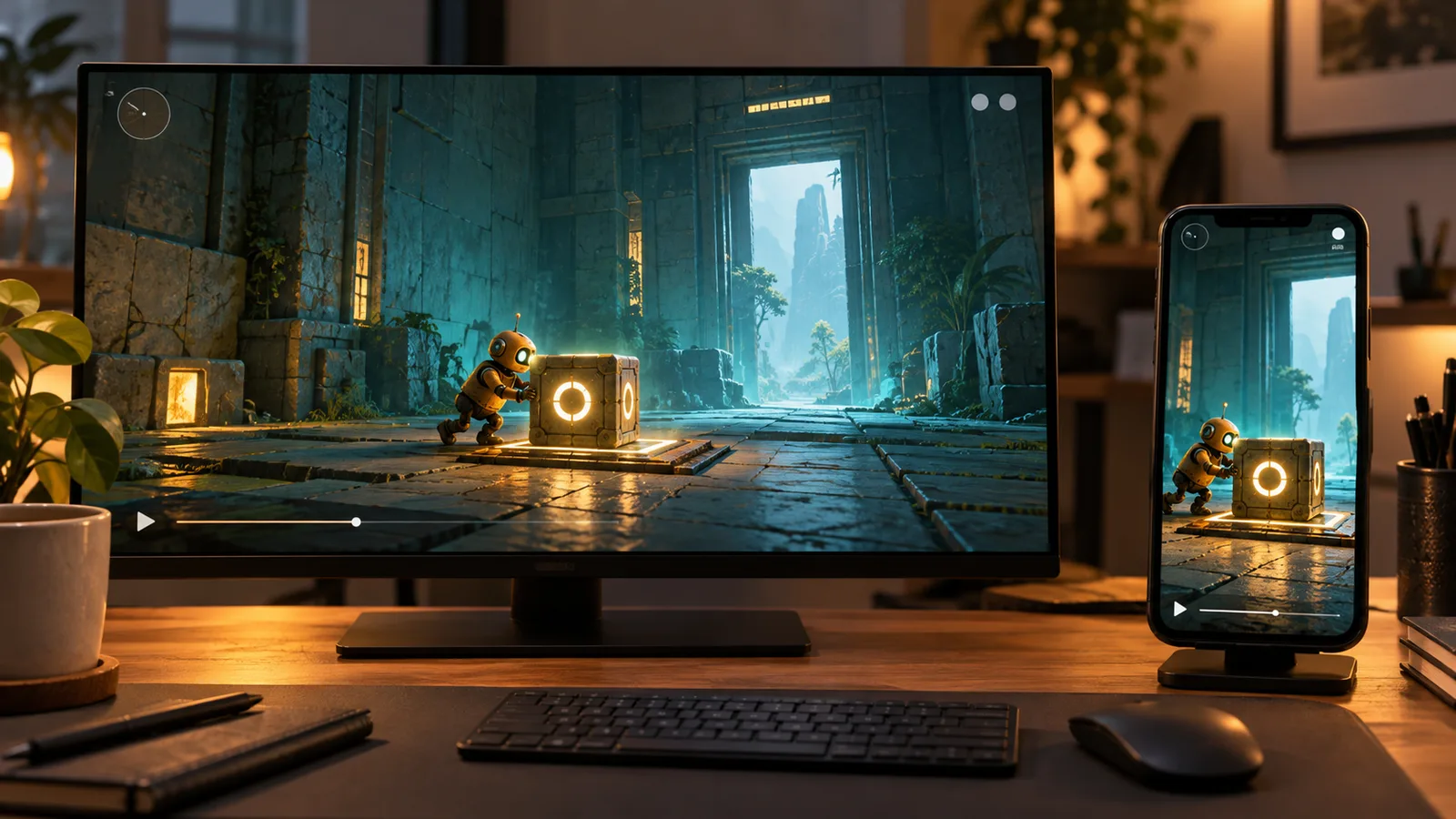
A portrait version may need a different shot selection or timing, not just a central crop. In the puzzle example, keeping the robot visible while cutting off the switch would preserve the character but lose the mechanic. Review the useful information in the frame rather than approving a file solely because its dimensions match the requested ratio.
Export the specific review version and check that file. Playback inside the editing application is not the same as receiving and viewing the delivered video. Where a platform upload is included, inspect its processed version too; an export passing a local check does not guarantee platform approval or successful processing.
Keep animation and playable acceptance separate
Trailer editing does not automatically include producing new character animation, rebuilding a rig or integrating a controller. If a shot requires a custom performance, name that work separately. Our character animation guide covers receiving a usable motion package; a linear video cannot establish that those clips work in the player’s game.
Similarly, a trailer can present a promising experience without proving that every shown system is ready for release. Continue to review the actual build, known issues and release criteria. Editing should communicate the product clearly rather than become a substitute for the evidence used to accept it.
For first-party production context, see ROADFORGE, our original Unity mobile vehicle-combat game. Its documented game systems and device checks show a particular production scope. They are not proof of every trailer style, marketing result or distribution format a different project might require.
Name the files and responsibilities at handover
List the agreed video exports, poster or thumbnail assets, caption files where included, and editable timeline or project files. State whether source recordings, fonts, music, external assets and project dependencies are included, referenced or supplied separately. A final MP4 and an editable project are different deliverables.
Keep the video project separate from the game’s source handover. Receiving one does not imply receiving the other. Our Arabic guide to game source handover covers that wider production agreement. The trailer packet should instead make it clear how the approved edit relates to its footage, versions and agreed assets.
Close with a named decision: approve the specified deliverables, request recorded changes, or revise the scope because the necessary footage is not available. Store submission, account access, campaign operation and performance reporting remain separate responsibilities unless explicitly included. No edit can promise a fixed number of sales, installs or qualified enquiries.
Game trailer production questions
What should a game trailer production brief include?
Specify the intended audience and placement, the game build and available footage, the player actions to demonstrate, approved claims, languages and formats, capture responsibilities, review stages and final files. State whether the work includes recording gameplay, producing new scenes, editable project handover or platform upload rather than assuming those tasks are included.
Does a gameplay trailer prove that the game is ready to release?
No. A trailer presents selected material from a particular production state. Release readiness still requires review of the actual build, supported features, known issues and agreed platform checks. Keep promotional approval separate from playable acceptance, and verify that the trailer’s claims match the version it represents.
Discuss a trailer scope for your Unity game
Send the current build or existing footage, the destination, the player actions you need to explain and the formats you expect to receive. Include the intended deadline and who can approve the product claims. We can review a bounded capture-and-edit requirement alongside the game’s production scope.
Explore Unity development · Discuss the production scope · Send the trailer brief on WhatsApp