3D character production · Motion package acceptance
Character Animation Services: Accept the Motion Package, Not Just the Preview
Agree who moves the character, how clips loop and what happens between poses before commissioning a larger animation set.
For a game, character animation services should deliver a defined set of usable motions on an agreed character and rig, with the files and integration work named separately. A polished video is useful for approving performance, but it cannot prove that a walking character stays grounded, turns correctly or returns to idle in your Unity project. Approve those boundaries with a small motion package before ordering the full list.
This guide focuses on receiving a locomotion and interaction package after its production approach is chosen. If you are still deciding between a library and custom work, use our ready-made versus custom animation guide, in Arabic. For a defined production request, our 3D modeling and animation service covers agreed rigs, clips, engine exports and source deliverables.
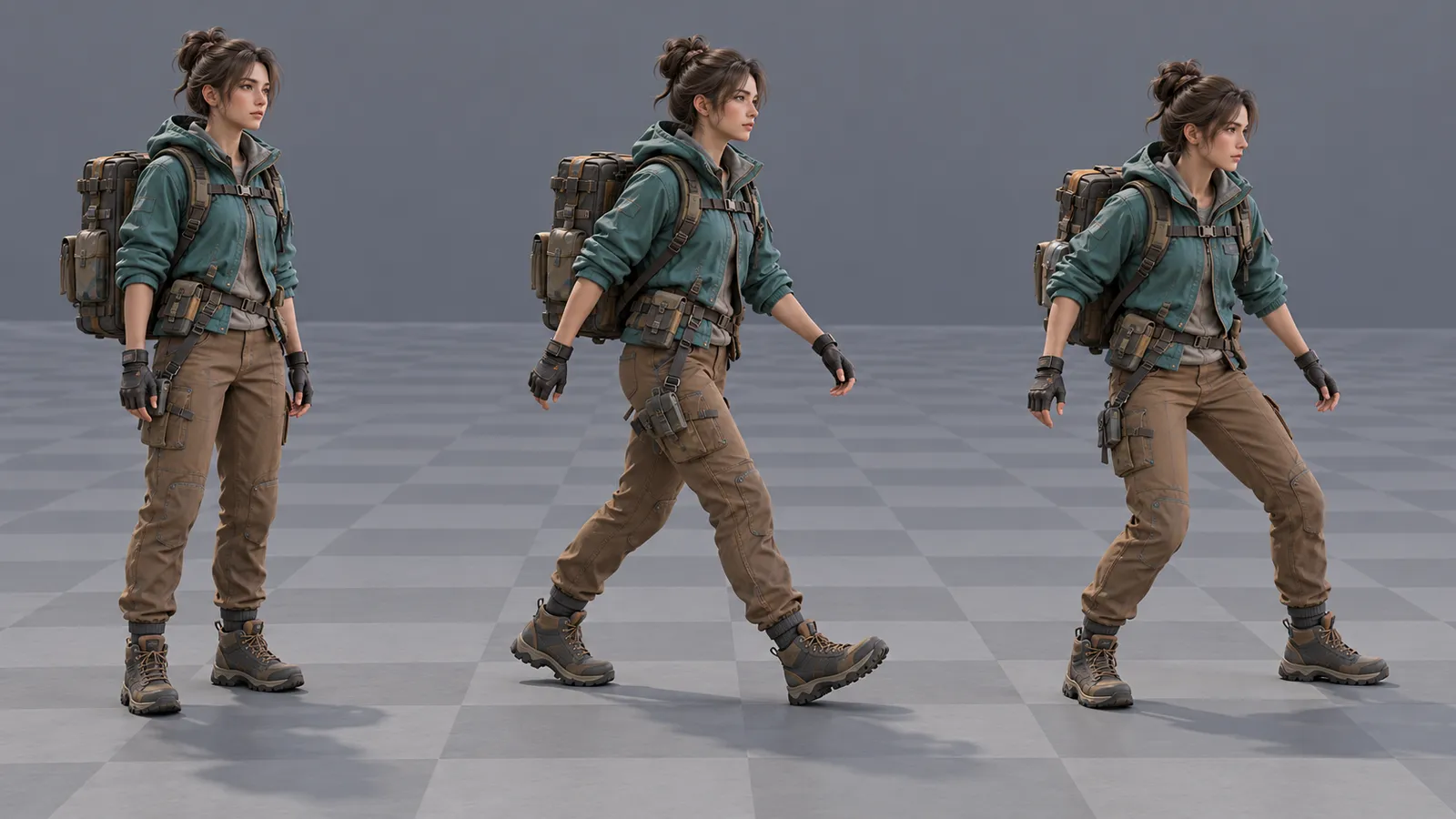
Freeze the character and the review conditions
Give the animator a versioned mesh and skeleton, not a folder containing several nearly identical characters. Record scale, forward direction, reference pose, equipment and the intended camera. A long coat, backpack or handheld object can change what the motion must accommodate. If the rig changes during production, identify which accepted clips need another check rather than assuming the new export is interchangeable.
Specify the destination Unity version and whether the character uses a Humanoid Avatar or a Generic rig. Do not promise that any motion can be transferred to any skeleton. The game-ready character guide, in Arabic covers the preceding mesh, UV, materials and rig preparation. Here, the decision is whether the requested motion set works on that approved asset.
Choose who owns movement through the world
A walk can look similar while carrying different movement information. With an in-place arrangement, the controller moves the character through the world while animation supplies the pose. With root-motion-driven movement, animation displacement contributes to the character's travel. A project may combine approaches, but each clip needs an explicit rule and an integration owner.
Unity's root motion documentation explains how motion can affect the GameObject and how import settings retain components in the pose. For the buyer, the practical question is which system is responsible for position and rotation. Two independent systems moving the same character can create travel that neither artist nor programmer intended.
Record horizontal travel, vertical travel and rotation separately. A turning clip may change orientation while a walk loop follows controller-driven speed. Jump height may belong to gameplay rather than the animation. Agree the result with the implementation team; there is no single import checkbox that is correct for every game. Collision and navigation also need their own integration rules.
Give each clip a record, not just a filename
Use stable clip identifiers and describe what the reviewer should observe. A hypothetical courier package might contain idle, walk, start, stop, turn and reach. The following records illustrate a bounded request; they are not a delivered client package or a report of passed tests.
| Clip | Decision to agree | Review evidence |
|---|---|---|
| Idle | No unintended world travel; equipment and breathing remain readable. | Several uninterrupted loops from the agreed camera. |
| Walk | Loop boundaries and stride match the intended movement arrangement. | Fixed-camera travel along a marked floor, then a speed variation. |
| Start and stop | Entry and exit preserve the agreed pose and movement continuity. | Idle-to-walk-to-idle sequence with short and long movement inputs. |
| Turn | Rotation belongs to the stated animation or controller system. | Turn followed immediately by movement; inspect final orientation. |
| Reach | Hand contact uses a named prop position and supported body range. | Approach, contact, release and return under the gameplay camera. |
Keep pose quality, world movement and gameplay consequences in separate fields. A hand reaching a switch does not by itself establish permission to activate it. Similarly, a hit animation does not define damage. Use the combat behavior guide for attack permission and resolution instead of asking the animator to infer those rules from a clip name.
Review the seam and the transitions
Watch a loop repeatedly without changing the camera. A short preview can hide a small snap that becomes distracting after several repetitions. Examine the pose near the boundary, changes in body height and unwanted rotation. Unity provides loop-matching guidance, but a favorable importer indicator is not a substitute for reviewing the imported character in its actual context.
Then test connected sequences. Start walking, stop before completing a long stride, turn, move again and enter an interaction. Ask what happens when a new request arrives during a transition. The requested behavior should remain understandable even when the input is not a carefully staged demo. Foot sliding can involve speed or controller assumptions, so assign investigation to the correct owner rather than automatically asking for more animation frames.
Unity's animation transition reference describes blend conditions and interruption settings. State whether controller setup and its tuning are included in the commission. If only clips are being supplied, name the receiving developer and provide agreed entry and exit poses; otherwise, the gap between two valid clips can remain nobody's responsibility.
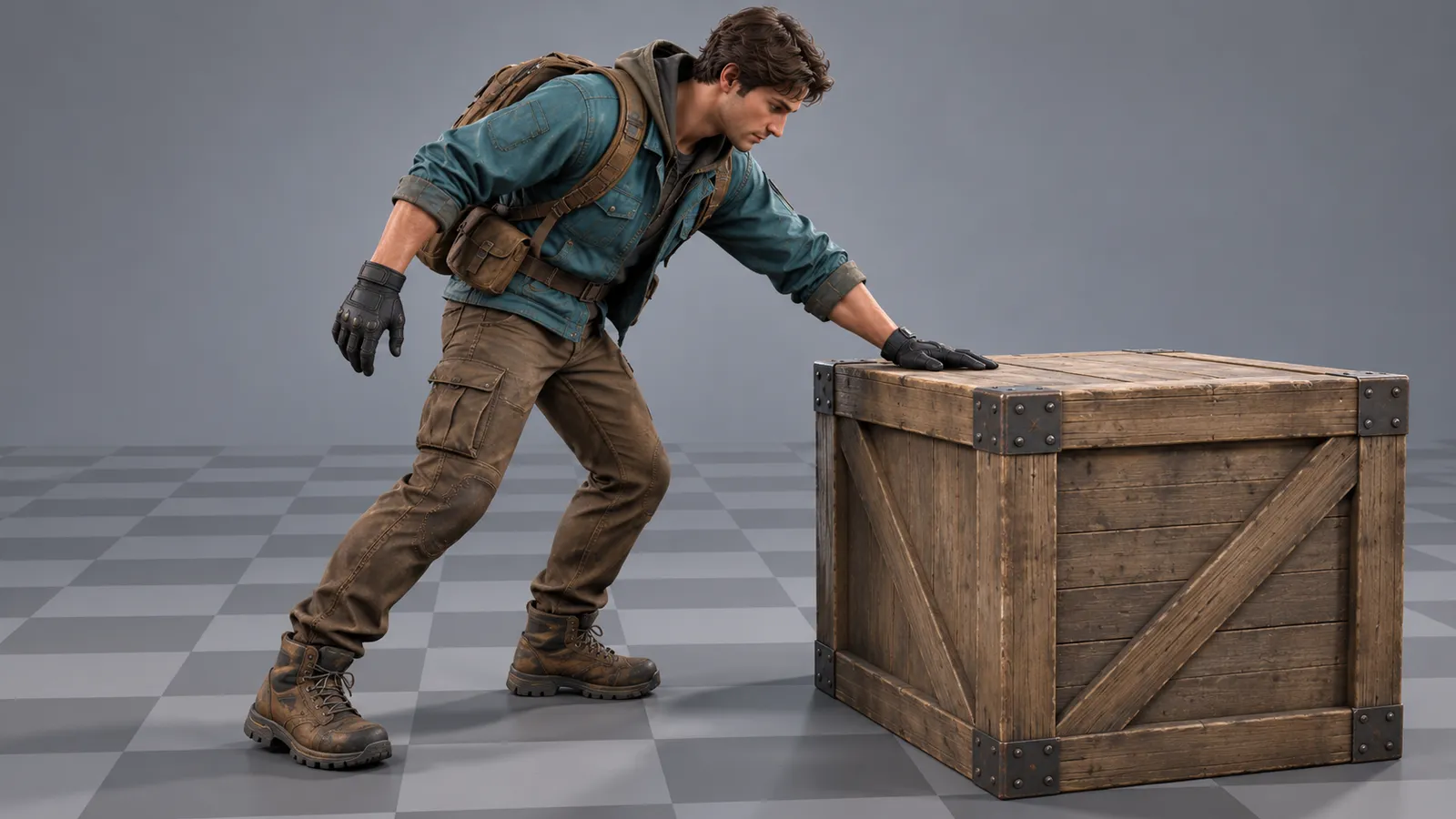
Use a bounded review scene and record exceptions
Request a small scene or package that reproduces the supported motions on the approved character. Include a fixed camera, ground reference, the relevant prop and the input or controls needed to repeat the sequence. A preview scene is a review aid, not proof that the complete game, every costume or every device has been tested.
For the courier example, record expected outcomes for a full walk loop, a short move followed by a stop, a turn into a walk, a reach at the supported prop position and a reset to idle. Leave observed results pending until someone runs the agreed build. If the commission includes a second body proportion or outfit, review it explicitly rather than treating one successful character as universal compatibility evidence.
Separate an implementation mismatch from a change in performance direction. A clip moving the character despite an agreed in-place requirement is different from a request for a heavier, more confident walk after that walk was approved. Record the affected clip, asset version, expected result and observation. The asset batch approval guide, in Arabic explains the wider sample and revision process without replacing these motion-specific checks.
Receive a package the next developer can reproduce
Agree the source animation files, exported clips, relevant rig or Avatar references, import settings and naming convention. Include controller assets and the review scene only where they are part of scope. Document clip ranges, looping intentions, movement ownership and any supported interaction dimensions. List external dependencies and licenses; do not assume a library license transfers merely because an FBX was delivered.
The handover should identify which version was reviewed and what remains excluded or unresolved. Avoid accepting a video as a replacement for editable deliverables when source files were agreed. Conversely, receiving source files does not mean the supplier has integrated every action into the full game. Keep the boundary visible in the quote and acceptance record.
Character animation services questions
What should character animation services include for a game?
Agree the character and rig version, clip list, movement ownership, looping intentions, entry and exit expectations, file formats and review evidence. State separately whether retargeting, controller setup, gameplay integration and editable sources are included. A rendered preview alone does not establish that the motion package works in the receiving game.
How should root-motion and in-place character clips be accepted?
Review the imported character in a repeatable scene with known camera, ground and controller settings. Check travel and rotation against the agreed owner, inspect repeated loops, then connect starts, stops, turns and supported interactions. Record asset versions and exceptions; do not infer gameplay collision or all-character compatibility from one successful preview.
Commission a character motion package you can review
Send your character or rig preview, Unity version, target platform, camera and required motion list. Tell us whether you need clips only or an agreed engine-integration package, and which movements or contacts carry the greatest risk.
Explore 3D animation production · Discuss the motion package · Send your scope on WhatsApp