3D production · Existing model surface work
3D Texturing Services: Agree the Existing Model, Maps and Unity Result
Agree the model revision, map meanings and receiving material before accepting surface work.
When commissioning 3D texturing services for an existing game model, agree three things before painting begins: which mesh and UV layout the artist may change, what each delivered texture means, and how the receiving material will be reviewed. A polished preview is useful, but the deliverable is a surface package that your team can reproduce on the agreed model inside the target project.
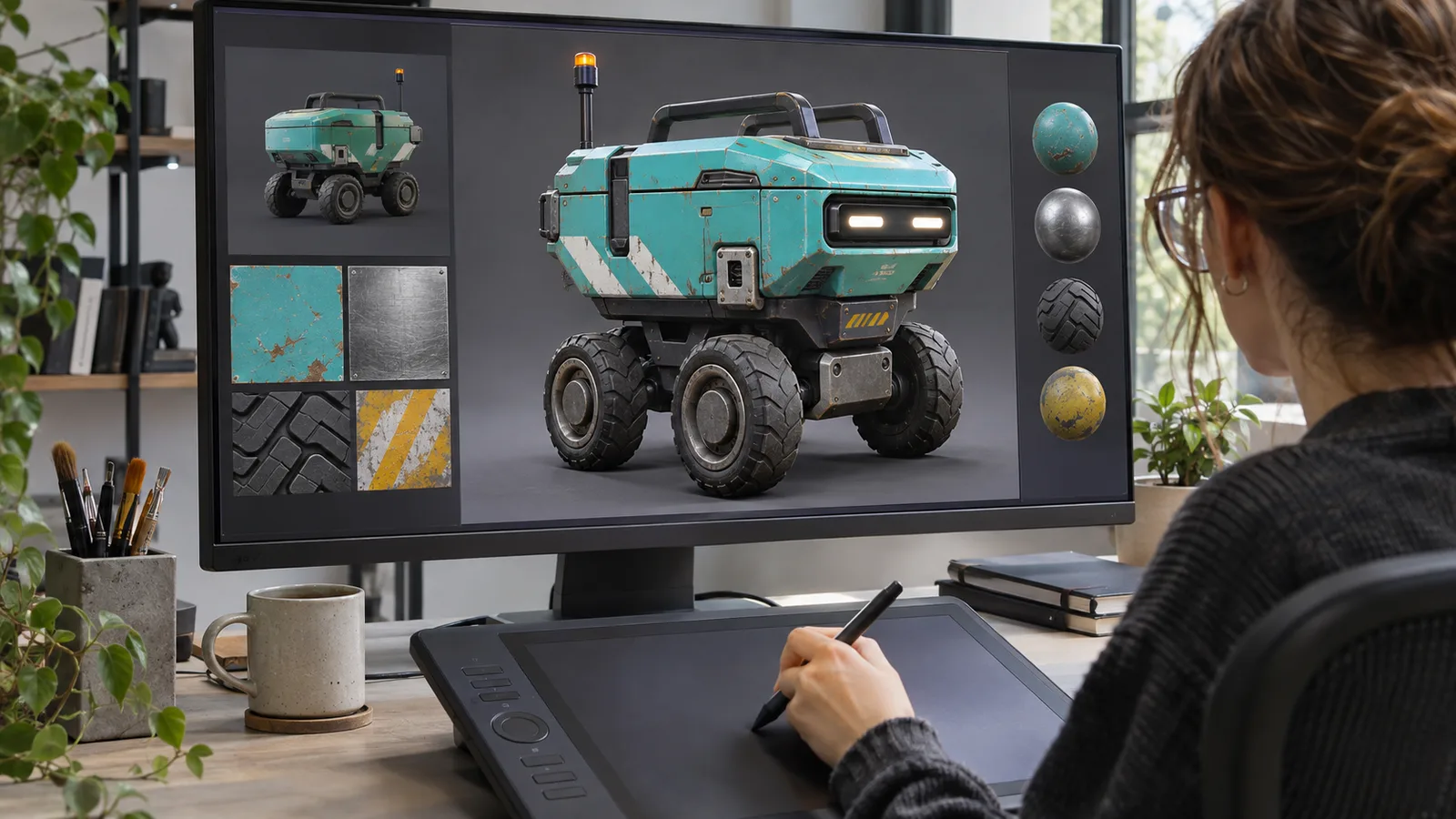
This guide is for a producer who already has a model and needs its surface work completed or revised. Our 3D modeling and animation service covers authored assets, textures and agreed engine setup. A texture-only assignment should still state its boundaries: it does not automatically include remodeling, a new rig, new animations or an environment rebuild. If you are choosing a supplier for a larger asset batch, use the asset outsourcing guide, in Arabic.
Freeze the model the quote actually covers
Send a named mesh revision, its UV layout, current materials and the receiving project's requirements. Include the intended camera distance, platform, visual references and any existing appearance that must remain recognizable. If the artist starts from an old export while your integrator changes the UVs, both teams can deliver apparently reasonable work that no longer fits together.
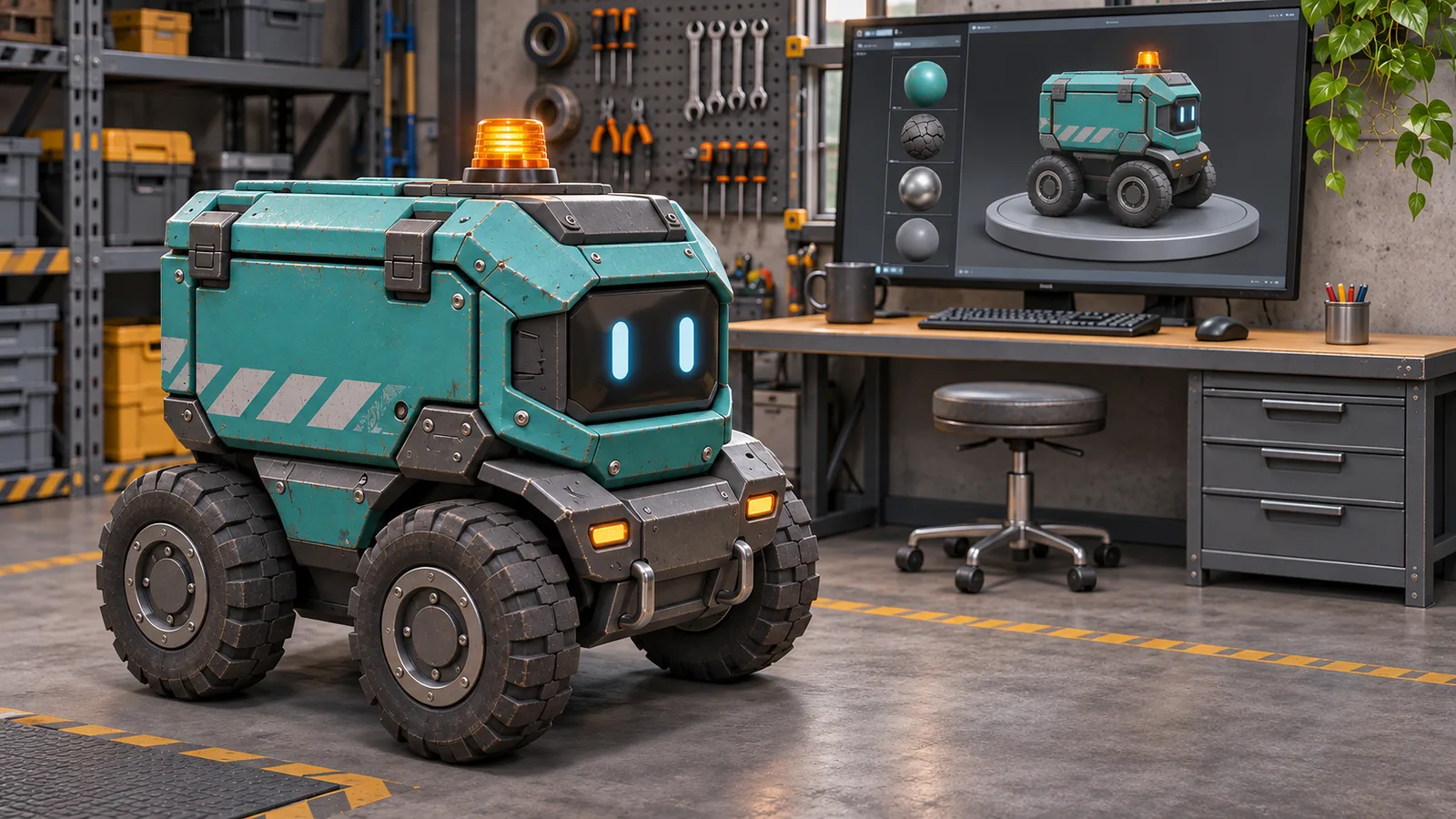
Identify the surfaces separately. A small delivery robot might contain painted body panels, rubber tires, exposed metal bolts and a status light. Decide which are independently editable and which share a material. A quote for one robot is ambiguous if it leaves texture sets, material slots, alternate colors and visible wear variants unresolved.
Record who owns the source files and which references or third-party texture sources may be used. The supplier needs permission to work on the model; receiving a file does not itself establish a right to modify or redistribute it. Ask for the applicable source and license notes in the delivery package.
Separate surface work from changes to the mesh
Sometimes the existing UV layout can be kept. Sometimes distortion, overlapping regions or insufficient room for a visible detail requires a change. Ask the supplier to identify that dependency before accepting a texture-only estimate.
For the illustrative robot, suppose the body must carry a different marking on each side. A shared UV region that intentionally mirrors both sides may conflict with that requirement. The decision is not simply whether overlapping UVs are “bad.” It is whether the layout supports the approved appearance. Agree whether to change the layout, simplify the marking or retain the limitation.
A UV revision can invalidate previously painted or baked maps. Treat that as a controlled change: identify the affected mesh and texture revisions, what must be regenerated, and which receiving materials must be checked again. Do not silently add retopology or a complete model rebuild to a surface assignment. The character production guide, in Arabic covers the wider asset pipeline when geometry and deformation are also in scope.
Request a map manifest, not just familiar filenames
The package should explain the purpose of each texture, its intended material slot, resolution, channel use and import settings. Filenames alone are insufficient. A file called “mask” does not tell a new integrator which values belong to which surface property.
The exact setup depends on the receiving shader. In one documented Unity prebuilt metallic workflow, metallic values use the red channel and smoothness uses alpha. That is a specific convention, not a universal export rule. A differently packed map cannot be assumed compatible because both tools use the word PBR. See Unity's reflection and material configuration documentation.
Agree the actual Unity version, render pipeline, shader and material settings before the final export. If the painting tool exports roughness while the receiver expects smoothness, assign the conversion and validation responsibility explicitly. Also name how normal maps, opacity and emission are handled when they are needed. Unity's texture-map overview explains different surface-map roles; your project's shader remains the acceptance reference.
Do not request every possible map by habit. Ask which maps contribute to the agreed appearance and how they fit the receiving material and platform budget. Extra files are not evidence of better work.
Compare the same asset under controlled conditions
Keep a named material-review scene with an agreed camera, lighting arrangement and model revision. Review the main surfaces at the distance where the player will see them, then move closer when inspecting a seam or defect. A studio turntable and an in-game workshop can make the same surface appear different; that difference should prompt diagnosis before repainting.
If the robot's body appears unexpectedly shiny, first check the material assignment, map channels, import settings and receiving lighting. If a marking is displaced, confirm the mesh and UV revisions. If a seam appears only at distance, inspect the relevant import and sampling settings with the integrator. These are review questions, not a promise that one diagnosis explains every visual mismatch.
Use an explicit acceptance fixture
The following is a proposed review for a hypothetical delivery robot, not a record of tests already passed. Keep the expected result separate from the reviewer's actual observation and decision.
| Review | Expected result to agree | Evidence to retain |
|---|---|---|
| Input identity | Delivered surfaces match the approved mesh and UV revision. | Mesh revision, UV reference and export notes. |
| Surface separation | Painted body, rubber and exposed metal retain their intended identities. | Named camera and lighting comparison. |
| Markings and seams | Required markings align; any intentional mirroring is documented. | Close views of agreed review regions. |
| Receiving material | Map channels and settings match the selected shader. | Material configuration and texture manifest. |
| Gameplay camera | Important surface distinctions remain readable at the intended distance. | Scene and camera reference, with observations. |
| Replacement | A revised texture package updates the intended materials without unexplained slot changes. | Revision notes and repeat review. |
Define a meaningful variation too: a second approved lighting situation, another camera distance or a permitted color variant. Name what should remain consistent and what is expected to change. This is more useful than approving a single flattering screenshot and leaving all other views undefined.
An environment-wide material family, trim system or modular kit needs the broader game environment production brief. Keep that scope separate from accepting the surface package on an already supplied model.
Make the handover editable and reproducible
List the authoring files, exported maps, receiving materials and example scene included in the quote. Request the mesh/UV revision reference, channel manifest, export configuration, agreed source dependencies, license notes and known limitations. If a proprietary authoring format or tool is required to edit the source, identify it before handover.
Distinguish an art-only package from an integrated Unity delivery. The former can include texture files and setup instructions; the latter must define who configures materials and checks the result in the receiving project. Neither automatically includes optimization of the whole game or acceptance on every device.
Our ROADFORGE case study provides context for our original Unity and 3D production. It is not evidence that this hypothetical robot was commissioned by a customer. Ask us to review your actual mesh and receiving setup so the proposed work matches the files you have.
Questions before commissioning surface work
What should a 3D texturing services quote include for an existing model?
Identify the supplied mesh and UV revision, the required surfaces and variants, any permitted geometry or UV changes, the authoring and exported files, the receiving shader setup, revision limits and acceptance evidence. Assign integration responsibilities and document dependencies before comparing estimates.
Does a good texture preview prove the asset is ready for Unity?
No. Review the agreed model, maps, channel meanings and material configuration in the named Unity project and scene. A preview can approve an appearance target, but it does not establish that the delivered files reproduce that appearance in the receiving setup.
Request a defined texture work package
Send your existing model, UVs, current material files, visual references, intended camera and target platform. Include the Unity version and render pipeline if integration is required. We can review what can be retained, what needs correction and what the first acceptance sample should prove before estimating the wider work.
Explore 3D production services · Discuss the asset scope · Send your texture brief on WhatsApp